Many shoppers focus on price alone; you will learn to compare specs, evaluate verified reviews, check seller reliability, and use filters to find the best value. This guide gives step-by-step product checks so you buy confidently on Amazon.
Identifying Essential Purchase Factors
Focus on factors that shape your purchase: price, quality, brand reputation, warranty, and delivery speed. Knowing which ones you value most trims options and makes comparisons faster.
- Price
- Quality
- Brand reputation
- Warranty
- Delivery speed
Determining Core Product Requirements
Define your must-haves versus nice-to-haves: dimensions, capacity, compatibility, and primary use. This clears the shortlist so you only compare relevant models.
Evaluating Technical Specifications and Materials
Check technical specs and material listings for power, battery life, resolution, material grade, and certifications. Prioritize the metrics that directly impact longevity and daily performance.
Compare datasheets, unit standards, and certification marks; inspect product photos and manufacturer notes for build details. You should confirm claimed ratings, material compositions, and compatibility before committing to a purchase.
How to Navigate Amazon Search and Filter Tools
Use the search bar and left-side filters to narrow results by brand, price, Prime, seller type, and average rating; set price ranges, toggle Prime, and apply review thresholds so you only view relevant, trustworthy options.
Utilizing Category-Specific Refinements
Filter product lists by category attributes like size, color, material, and technical specs; check attribute boxes so you can compare spec highlights and quickly rule out mismatches before deeper review.
Sorting by Top-Rated and Newest Arrivals
Sort search results to prioritize top-rated items or newest arrivals; choose top-rated for consistent quality and newest when you want the latest features or updated designs.
Consider checking review count and recency when sorting by top-rated; a 5-star average with few reviews is riskier than a 4.5 with thousands. When you choose newest arrivals, scan product details for release dates and confirm seller credibility, then combine sorting with filters for price and Prime to refine viable latest options.
Analyzing the Authenticity of Customer Reviews
Check review patterns for repeated phrasing, extreme ratings, and timing spikes so you can judge authenticity.
Tips for Spotting Verified Purchase Feedback
Scan verified purchase tags, reviewer history, and timing so you can assess credibility.
- Look for “Verified Purchase” label
- Check reviewer’s other reviews
- Note review timestamps
This confirms whether feedback came from actual buyers.
Interpreting User-Uploaded Photos and Videos
Compare user-uploaded images and video frames to the product listing so you can spot inconsistencies in color, scale, and wear that reveal real usage.
Examine details like background repetition, inconsistent branding, visible packaging, and reflections; pause videos frame-by-frame to check for edits, and compare multiple uploads and comments so you can judge reliability.
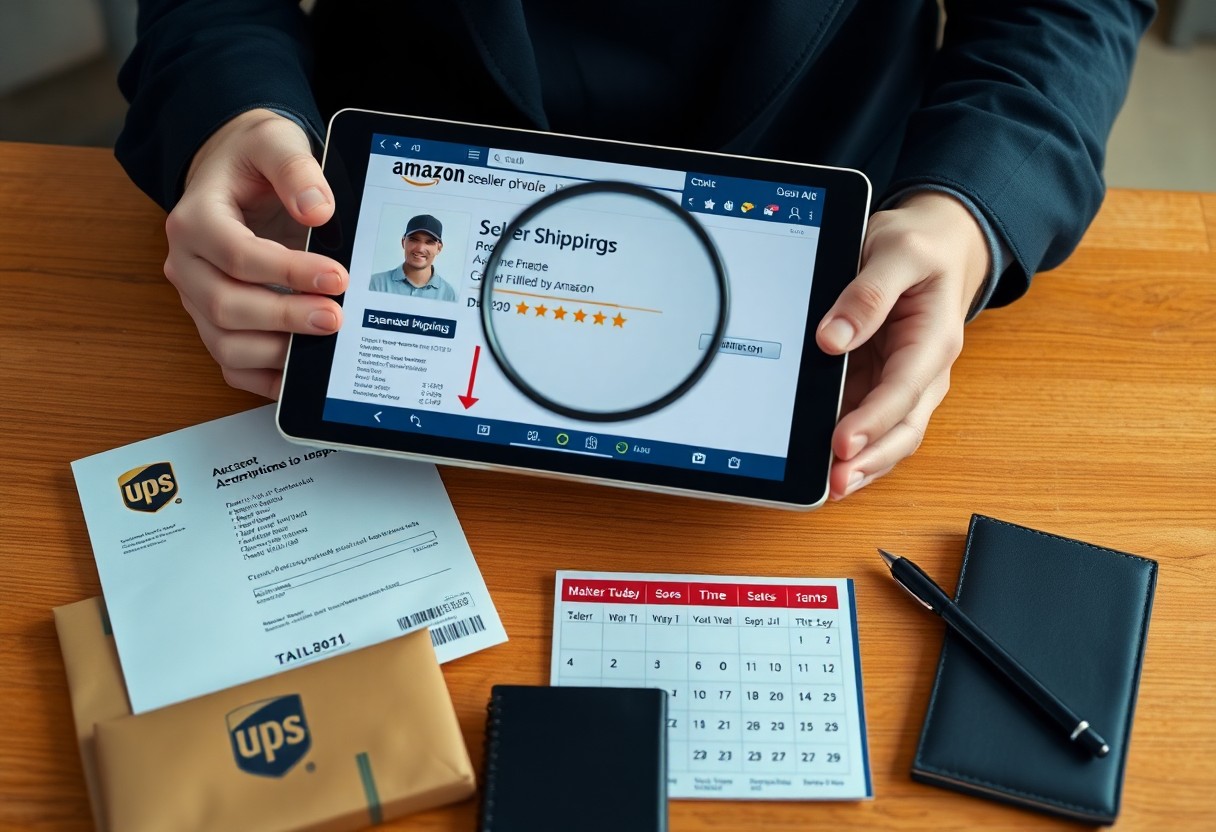

Comparing Seller Credibility and Shipping Methods
Seller vs Shipping Checklist
| Seller Credibility | Shipping Methods |
|---|---|
| Check ratings, review recency, and A-to-z claims | Compare speeds, carriers, and tracking availability |
| Look for “Fulfilled by Amazon” or verified storefronts | Note Prime, expedited, and international options |
| Review return handling and past resolution history | Confirm return shipping costs and estimated delivery windows |
You should weigh seller ratings, fulfillment type, and shipping options side-by-side to spot delays or hidden fees before checkout.
Vetting Third-Party Merchants vs. Amazon Retail
Compare “Sold by” label, review volume, and response history so you can prefer Amazon Retail or FBA sellers for clearer refunds; third-party merchants may have longer processing and varied return terms.
Understanding Prime Eligibility and Return Policies
Check the Prime badge, estimated delivery, and listed return window so you’ll know whether you get faster delivery and simpler, often free, return handling.
When you inspect Prime eligibility, read both the seller and fulfillment lines-“Sold by Amazon” or “Fulfilled by Amazon” ties returns and customer service to Amazon, while third-party fulfillment places responsibility on the merchant. You should verify the seller’s return window, any restocking fees, who pays return shipping, and expected refund timelines; use Amazon’s A-to-z Guarantee if the seller won’t resolve the issue.
How to Utilize Price Tracking and Comparison Tools
Use price trackers and comparison extensions to help you spot real deals, set alerts for drops, and check seller conditions so you avoid overpriced listings.
| Tool | What it does |
|---|---|
| Keepa | Gives price history graphs and alerts so you can spot recurring lows. |
| CamelCamelCamel | Tracks Amazon price history and notifies you when your target price is reached. |
| Honey / Extensions | Compares sellers and coupons so you can apply savings at checkout. |
| Price comparison sites | Shows alternate retailers and total costs so you can compare final prices. |
Monitoring Historical Price Trends
Track historical price graphs to help you decide if a current discount is genuine; set target alerts so you buy at your preferred price instead of reacting to hype.
Evaluating Value Across Different Package Sizes
Compare unit prices shown on product pages and in trackers so you can see whether bulk packs actually save you money; factor in shipping and shelf life before committing.
When comparing package sizes, calculate the unit cost including taxes and shipping, check expiration dates and storage space, estimate your consumption rate, and weigh any extra saving against the risk of waste or reduced flexibility so you make a practical purchase.
Pro Tips for Maximizing Discounts and Savings
Use time-limited deals, coupon clipping, and price trackers to squeeze savings; check seller ratings and warranty details before buying. After you confirm total cost with shipping and tax, complete checkout to lock the discount.
- Clip on-page coupons before adding items to cart
- Watch price history and set alerts on trackers
Applying Digital Coupons and Promotional Codes
Apply on-page digital coupons and enter promo codes at checkout to reduce the final price; test codes in your cart before buying. You should verify exclusions and expiry dates to avoid surprises.
Setting Up Recurring Deliveries for Extra Savings
Adjust delivery frequency to match consumption so you don’t overstock; group multiple subscriptions to increase discount tiers, watch for subscriber-only coupons, and pause deliveries when a one-time sale beats the subscription price.
To wrap up
To wrap up, you can confidently compare specs, read verified reviews, check seller credibility, track price history, and use filters to find the best value; this step-by-step approach helps you buy smarter on Amazon every time.