

There’s a set of practical tech tips to help you optimize Amazon purchases, manage devices, spot deals, and protect your data so you get better value and performance from every shopping session.
Key Takeaways:
- Browser extensions, price trackers, and saved lists spot price drops, compare sellers, and auto-apply coupons for better deals.
- Device settings and Alexa routines streamline shopping, reduce data use, and speed reorders; enable two-factor authentication and review app permissions to protect your account.
Maximizing Prime Membership Benefits
Use your Prime perks to cut shipping times, access exclusive offers, and stack promotions with credit-card and app coupons for the best deals on repeat purchases.
Leveraging Early Access to Lightning Deals
Get early Lightning Deal alerts by following favorite brands, saving items to your watchlist, and enabling push notifications so you can check out before stocks disappear.
Unlocking Hidden Prime Video and Music Features
Explore Prime Video profiles, offline downloads, and audio settings in the app to tailor playback, manage kids’ access, and conserve data when streaming on mobile.
Customize profiles, subtitles, and playback quality in Prime Video to match your viewing habits; set downloads to Wi-Fi only, create separate child profiles with time limits, and use watchlists plus “Up Next” to sync progress across devices. For Prime Music, build offline playlists, toggle audio quality to save data, and enable Alexa voice controls for hands-free playback.
Mastering Amazon Hardware Integration
Connect your Amazon hardware-Echo, Fire TV, and Ring-to centralize controls, prioritize updates, and sync shopping lists for faster reorders.
Advanced Alexa Voice Shopping Commands
Ask Alexa to add items to cart, compare prices, reorder favorites, or set purchase limits; enable a voice PIN to prevent accidental buys and confirm orders before checkout.
- Enable voice PIN for purchases
- Set spending limits per household profile
- Ask for price comparisons by brand and size
- Use reorder shortcuts for frequent buys
Alexa Commands and Benefits
| Command | Benefit |
|---|---|
| “Add to cart” | Quickly queues items for later checkout |
| “Reorder [item]” | Repeats past purchases with one step |
| “Compare prices” | Shows cheaper alternatives and deals |
| “Set purchase limit” | Prevents overspending via voice orders |
Customizing Fire TV for Optimal Performance
Trim background apps, disable autoplay previews, and prioritize wired connections to reduce buffering; update apps and clear cache regularly so you get faster search and smoother playback.
Adjusting display, audio, and developer options lets you tailor performance: switch to 4K60 when supported, limit background data, install a lightweight launcher, disable unused apps, and schedule nightly restarts so system memory and storage remain optimized for consistent streaming.

Professional Price Tracking and Savings Tools
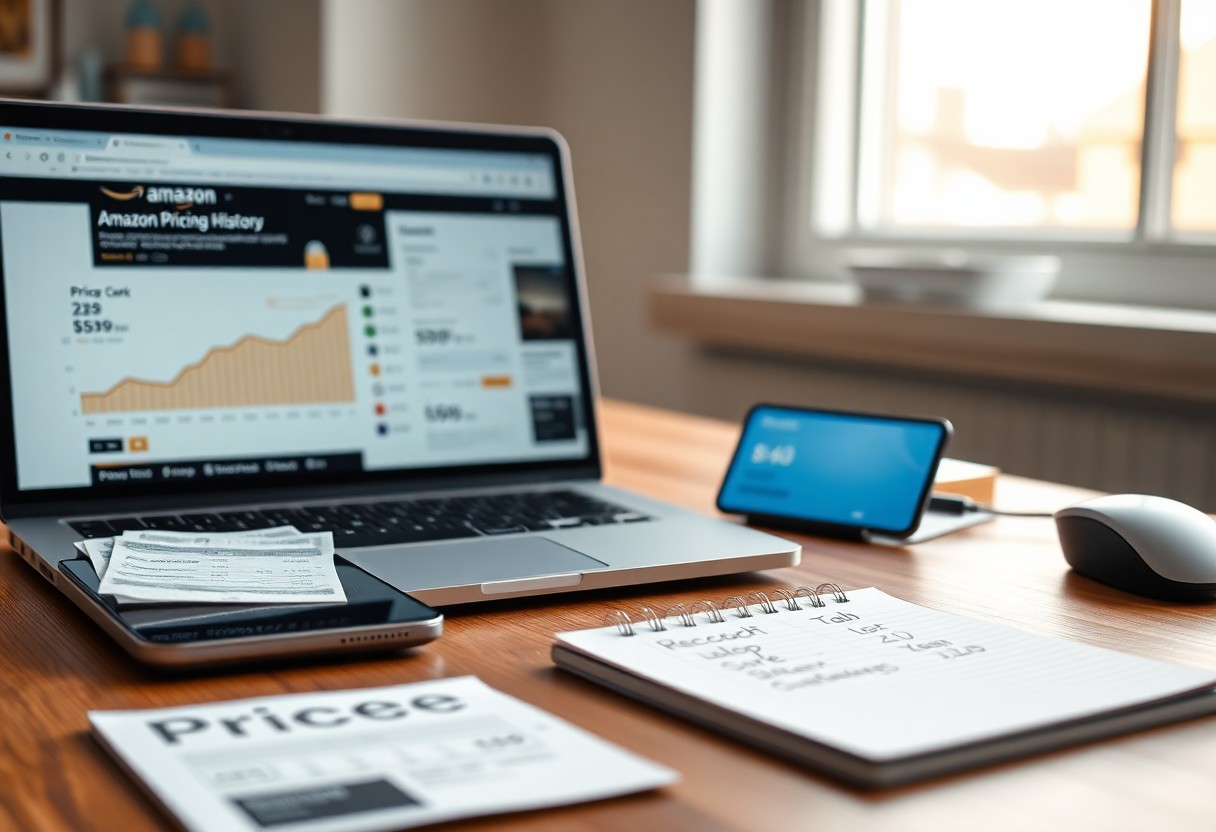
Tools such as price trackers and comparison sites give you historical data, seller comparisons, and predicted deal windows so you time purchases, verify true discounts, and avoid impulse buys.
Utilizing Third-Party Browser Extensions for Price History
Extensions like Keepa or Camelizer display price history charts, alerts, and seller trends directly on Amazon pages, so you assess past lows before buying and spot recurring sale cycles.
Setting Up Strategic Price Drop Alerts
Alerts let you set target prices, blackout dates, and notification methods so you get notified only when items hit your desired price and avoid constant pings.
You should combine percentage and absolute price targets, factor in shipping and coupon codes, test different thresholds on a wishlist, and choose email or mobile alerts; this reduces false positives and catches genuine savings.
Enhancing Account Security and Data Privacy
Protect your Amazon account by auditing connected apps, rotating passwords, and removing unused payment methods to limit exposure and reduce breach impact.
Implementing Two-Factor Authentication
Enable two-factor authentication so you add an extra verification step for sign-ins, using an authenticator app or hardware key instead of SMS when available.
Managing Voice Recording and Search History
Review and delete voice recordings and search history in your Alexa privacy settings, pause voice recording where offered, and clear past searches to tighten data control.
Adjust settings in the Alexa Privacy dashboard to listen to, delete, or auto-delete recordings; disable voice purchasing, mute device microphones when not in use, and revoke skill permissions that access personal details to keep your data private.
Navigating the Amazon Mobile App Ecosystem
Apps tie your Amazon account across devices, so you can sync lists, manage subscriptions, and switch between shopping, Alexa, and Prime features without losing context.
Using Visual Search and AR Product Previews
Point your camera at products to find exact matches, compare prices, and place AR previews in your space so you can verify size, color, and fit before checkout.
Tracking Shipments with Real-Time Map Views
Track deliveries on a live map to view driver location, real-time ETA, and route updates so you can plan pickups or avoid missed drops.
Enable push notifications and set delivery preferences, so you can see stop-by-stop progress, request holds or reroutes, and contact support from the map view to resolve delays quickly.
Optimizing Digital Content and Kindle Settings
Fine-tune your Kindle settings: adjust font size, margins, brightness, and page refresh to reduce eye strain and speed reading. Sync positions across devices, enable Blue Shade at night, and create collections for fast access to series, highlights, and notes.
Managing E-book Libraries and Household Sharing
Organize your library using collections and tags, archive seldom-read titles, and enable Family Library so you and your household accounts share purchases while preserving personal recommendations and bookmarks.
Maximizing Benefits of Prime Reading
Explore Prime Reading regularly to catch rotating selections; borrow books and magazines at no extra cost, and add high-interest titles to your library before they rotate out to keep long-term access.
Check Prime Reading’s categories and use filters for genres, add titles to your wishlist, download favorites for offline reading, and pair with Audible narration on supported Kindle devices to get audio where available.
FAQ
Q: What device and app settings should I change to speed up shopping, save battery, and cut data use?
A: Keep the Amazon app updated to benefit from performance and security fixes. Limit background activity for the app and set it to download images or videos only on Wi‑Fi to reduce data and battery drain. Enable biometric sign-in (fingerprint or face) for faster, secure access and turn on two-step verification for account security. Use 1-Click and saved addresses/payment methods for faster checkouts, and clear the app cache or reinstall if pages become slow. Grant camera or location permissions only while using barcode or product search features, then revoke them when not needed.
Q: How do I find the best deals, track prices, and combine discounts effectively on Amazon?
Q: What steps protect my Amazon account, saved payment methods, and smart devices from fraud or misuse?
A: Enable two-step verification and use a unique strong password stored in a password manager. Review and remove unused saved payment methods and addresses from Your Account, and enable email/SMS order notifications to spot unauthorized purchases quickly. Disable or require a confirmation code for voice purchasing on Alexa and set purchase PINs for shared devices. Deregister unknown devices under “Manage Your Content and Devices” and update device firmware regularly. Avoid clicking links in suspicious emails; verify sender details and report phishing attempts through Amazon’s Help pages. Use secure Wi‑Fi or a VPN when placing orders on public networks.


Related Posts


🚨 NEWS ALERT: The 2026 Ultimate Guide to Best SaaS Tools, Lifetime Deals, and Money-Saving Tech Tips – Mastering the Vertical and Agentic Stacks 🏆

🔮 Kindle Forecast 2026: The AI, Color, and Openness Revolution

📚 The Ultimate Amazon Kindle User Guide 2026: Mastering AI, Color E-Ink, and Digital Reading