

They confront growing libraries of photos, videos and projects on laptops and consoles, so a compact external drive makes daily storage chores simpler. This guide lists practical, tested options and explains what matters when choosing a portable drive.
By focusing on capacity, interface, reliability and real-world value, it helps them achieve effortless data management with a portable USB hardisk that matches their workflow and budget.
Selection Criteria
They evaluated drives using practical buyer concerns rather than synthetic benchmarks alone. Criteria included: capacity options for the intended use (backup vs active libraries), interface and compatibility (USB 3.0 / 3.2 / Type-C), sustained transfer rates for large files, physical size and weight for portability, power method (bus powered vs requiring adapter), noise and heat in real use, included warranty or data-recovery services, and price per terabyte.
They also considered real-world reliability signals: vendor reputation, firmware features (encryption, password protection), and user-facing setup simplicity (plug-and-play or easily reformattable for Mac/Windows). Finally, they weighted each criterion to reflect common usage patterns: backup/archive (durability, capacity), travel and daily carry (size, bus power), and content production or gaming (transfer speed).

The Seagate Portable 2TB is the kind of USB hardisk someone tosses in a bag and relies on when they need extra space fast. It’s compact, bus-powered via USB 3.0 and recognized by Windows and macOS without fuss, so they can drag-and-drop backups or move large photo and video folders in minutes.
It’s great for everyday backups, Time Machine libraries, moving media between machines, and extending console storage for older-gen games. For folks who want a simple, affordable external drive that just works, it’s an easy, low-drama recommendation; those who need the absolute fastest loads for gaming or heavy video editing might still prefer an SSD.
What People Say
Customers commonly praise how easy the drive is to set up and use, and that it delivers solid storage at an attractive price. People often call out reliable file transfers and broad compatibility with PCs, Macs and consoles, while noting it’s not as quiet or fast as an SSD for intensive workloads.
Overall Sentiment: Positive

Long-Term Cost Benefits
Buying a 2TB portable drive can reduce ongoing cloud storage costs and delay expensive internal upgrades. For most users, the cost-per-gigabyte is much lower than SSD alternatives, so it’s a budget-friendly way to add years of usable storage for backups and archives.
Return on Investment
They typically recoup the purchase quickly through avoided cloud fees and by keeping older devices usable longer. For photographers and casual videographers who need archive space, the drive pays back in convenience and saved time over months.
Situational Benefits
| Situation | How It Helps |
|---|---|
| Travel and fieldwork | Compact size fits in a carry case for photographers or students who need quick backups away from home. |
| Mac backups | Works with Time Machine after a quick format, giving an easy local backup solution. |
| Console storage | Expands storage for PS4 and can be used to store or transfer PS5 game data when needed. |
| Large file transfers | Drag-and-drop portability makes moving big video or photo folders between machines painless. |
Ease of Use
| Feature | Ease Level |
|---|---|
| Initial setup | Very Easy |
| Daily file transfers | Easy |
| Formatting for Mac/PC | Easy |
| Cable and power | Simple (bus-powered via USB) |
Versatility
It’s versatile enough for backups, media libraries, console storage, and moving files between devices. While it’s not an all-purpose high-performance drive for editing 4K video, it covers most everyday needs.
Durability
As a mechanical HDD, it’s reliable for desktop and gentle travel use but more sensitive to drops than an SSD. Expect solid long-term performance if handled carefully and not exposed to rough knocks.
Travel Friendliness
Lightweight and pocketable, but because it’s a spinning hard disk it’s best packed securely and not jostled during travel. Good for trips where it’s protected in a padded bag.
Security Features
| Feature | Protection Level |
|---|---|
| Hardware encryption | None |
| OS-level encryption compatibility (BitLocker/FileVault) | High |
| Password protection via third-party software | Moderate |
| Physical security (Kensington lock) | Low |
Key Benefits
- Plug-and-play USB 3.0 connectivity for quick setup
- 2TB capacity offers plenty of room for photos, backups, and media
- Works with both Windows and Mac without extra software
- Good value per gigabyte compared with SSDs
Current Price: $82.92
Rating: 4.6 (total: 267955+)

The Seagate Portable 1TB is the kind of USB hardisk someone tucks in a bag and trusts when they need extra space quickly. It’s compact, bus-powered over USB 3.0, and recognised by Windows and macOS without fuss, so they can drag-and-drop photos, backups or video folders in minutes. It’s handy for daily backups, quick media transfers, and extending console storage for older-gen titles, and the included 1‑Year Rescue Service adds a little peace of mind. For people after a straightforward, budget-friendly external drive that just works, it’s an easy recommendation; those chasing the highest transfer speeds for heavy editing or current-gen gaming might prefer an SSD.
What People Say
Customers frequently mention how simple the drive is to set up and use, praising reliable file transfers and wide compatibility across PCs, Macs and game consoles. Many appreciate the low cost per gig and the convenience of the included USB 3.0 cable, while a recurring note is that it won’t match SSDs for silence or top-tier speeds.
Overall Sentiment: Positive

Long-Term Cost Benefits
Choosing a 1TB portable HDD helps avoid recurring cloud storage fees and postpones costly internal upgrades. For most users, the lower cost per gigabyte compared with SSDs means they get plenty of archive and backup space for a modest one-time expense.
Return on Investment
They usually recoup the purchase quickly through avoided subscription fees and less need for frequent device upgrades. For hobby photographers and everyday users, the convenience and time saved moving large files make the drive pay for itself over months.
Situational Benefits
| Situation | How It Helps |
|---|---|
| Travel and fieldwork | Its small footprint fits in a camera bag or laptop sleeve for on-the-go backups when they shoot away from home. |
| Mac backups | After a quick format it works with Time Machine, giving a simple local backup option for Mac users. |
| Console storage | Expands storage for PS4 and can store or transfer PS5 data when moving games between devices. |
| Large file transfers | Drag-and-drop portability makes moving big photo or video folders between machines straightforward. |
Ease of Use
| Feature | Ease Level |
|---|---|
| Initial setup | Very Easy |
| Daily file transfers | Easy |
| Formatting for Mac/PC | Easy |
| Cable and power | Simple (bus-powered via USB) |
Versatility
It covers backups, media libraries, console storage and moving files between devices. While not tuned for pro-level 4K editing work, it meets most everyday storage needs reliably.
Durability
As a mechanical HDD it’s solid for desktop use and careful travel but is more vulnerable to drops than an SSD. With sensible handling it delivers steady service for years.
Travel Friendliness
Lightweight and pocketable, though it should be packed in a padded spot since the spinning platter inside is sensitive to shocks. Great for trips when protected.
Security Features
| Feature | Protection Level |
|---|---|
| Hardware encryption | None |
| OS-level encryption compatibility (BitLocker/FileVault) | High |
| Password protection via third-party software | Moderate |
| Physical security (Kensington lock) | Low |
Key Benefits
- Plug-and-play USB 3.0 connectivity for quick setup
- 1TB capacity covers photos, backups and media libraries
- Broad compatibility with PC, Mac, PlayStation and Xbox
- Good value per gigabyte and includes 1‑Year Rescue Service
Current Price: $71.98
Rating: 4.6 (total: 269214+)

They’ll find the WD Elements 5TB a practical, no-nonsense USB hardisk for everyday storage and backups. It’s plug-and-play with Windows and easy to use with a Mac after a quick reformat, so people can offload big photo libraries, video projects or archive files without fuss.
It works well as a steady home backup, a console/media pool, or a bulk archive while syncing with cloud backups, and its price-per-terabyte makes it an attractive option for anyone who needs lots of space without spending on an SSD.
What People Say
Most customers praise the roomy capacity and solid value, noting it reliably stores large photo or video collections and makes backups painless. People commonly mention quiet operation and wide compatibility, while a recurring caveat is to avoid unpowered USB hubs and consider replacing the included cable for the best experience.
Overall Sentiment: Positive

Long-Term Cost Benefits
Buying a high-capacity mechanical drive like this reduces recurring cloud fees and delays the need for costly internal upgrades. For archiving and backup use, the lower cost per terabyte means they can keep multiple copies affordably, which is the cheapest way to protect precious files over years.
Return on Investment
They typically get quick ROI through avoided subscription costs and fewer upgrade purchases. For hobbyists and everyday users, the convenience of having large local storage often offsets the one-time cost within months.
Situational Benefits
| Situation | How It Helps |
|---|---|
| Home backups | Keeps family photos, videos and system backups in one place for straightforward, scheduled archives. |
| Console or media storage | Expands storage for older consoles and holds large game or media libraries they don’t want on internal drives. |
| Field work and shoots | Provides a large sink for photo and video files when they need to offload cards between sessions (pack with padding). |
| Cloud sync buffer | Acts as a local staging area for syncing or archiving large datasets to cloud services without recurring costs. |
Ease of Use
| Feature | Ease Level |
|---|---|
| Initial setup | Very Easy |
| Daily file transfers | Easy |
| Formatting for Mac/PC | Easy (one quick reformat) |
| Using with hubs or phones | Moderate (avoid unpowered hubs) |
Versatility
It covers backups, large media libraries, console expansion and basic field storage. While not aimed at pro-level 4K editing where SSD speed matters, it matches most everyday and archival needs reliably.
Durability
This is a mechanical HDD: fine for steady desktop use and occasional transport, but more vulnerable to drops and shocks than an SSD. With careful handling it will serve for years.
Travel Friendliness
Small and light enough to slip into a bag, but they should pack it with padding since the spinning platter inside is sensitive to impacts. Good for trips when protected.
Security Features
| Feature | Protection Level |
|---|---|
| Hardware encryption | None |
| OS-level encryption compatibility (BitLocker/FileVault) | High |
| Password protection via third-party software | Moderate |
| Physical security (Kensington lock) | Low |
Key Benefits
- Large 5 TB capacity for archives, media libraries and backups
- Plug-and-play USB 3.0 connectivity for quick transfers
- Good value per gigabyte compared with SSDs
- Broad compatibility with PC, Mac (after formatting) and consoles
- Compact, lightweight design for easy placement
Current Price: $134.99
Rating: 4.5 (total: 39717+)

They’ll find the Toshiba Canvio Basics 1TB a straightforward, no-frills USB hardisk that makes freeing up space painless. It’s plug-and-play on Windows and fast enough for everyday photo, document and video transfers; Mac users will just reformat once. It suits routine backups, moving projects between home and work, and quick presentation needs — and for its price it’s a sensible recommendation when someone needs reliable extra storage without complicated setup.
What People Say
Customers commonly appreciate how simple and reliable the drive is to use, praising quiet operation and steady transfer performance for photos and video. Many highlight the convenience of plug-and-play setup on Windows and the slim, portable design, while a few note the need to reformat for Mac or to avoid unpowered hubs for best results.
Overall Sentiment: Positive

Long-Term Cost Benefits
Opting for an affordable mechanical drive like this reduces recurring cloud storage costs and delays expensive internal upgrades. For archiving and backups, the low cost per terabyte makes it easy to keep multiple local copies without breaking the bank.
Return on Investment
They typically see quick ROI through avoided subscription fees and fewer hardware upgrades. For casual users and hobbyists, the one-time expense often pays for itself within months by simplifying backups and freeing up device storage.
Situational Benefits
| Situation | How It Helps |
|---|---|
| Home backups | Keeps family photos, videos and system images in one local spot for easy scheduled archives. |
| Travel and presentations | Small and light enough to bring along for showing media or delivering a presentation without lugging a laptop upgrade. |
| Photo and video offload | Provides a quick sink for camera or drone files between shoots when they need to clear cards. |
| Console/media expansion | Adds extra space for games or media libraries on consoles and media players that accept external drives. |
Ease of Use
| Feature | Ease Level |
|---|---|
| Initial setup | Very Easy |
| Daily file transfers | Easy |
| Formatting for Mac/PC | Easy (one quick reformat for Mac) |
| Using with hubs or phones | Moderate (avoid unpowered hubs or adapters) |
Versatility
It handles backups, media libraries, console storage and casual field offloads well. It’s not aimed at pro-level video editing where SSD speed is needed, but it covers most everyday and archival tasks reliably.
Durability
As a 2.5-inch mechanical HDD it’s solid for desktop use and occasional transport, but it’s more sensitive to drops and shocks than SSDs. With careful handling and proper packing it will serve for years.
Travel Friendliness
The slim, lightweight case slips into a bag easily, but they should pack it with padding since the spinning platter inside is vulnerable to impact. Good for trips when protected.
Security Features
| Feature | Protection Level |
|---|---|
| Hardware encryption | None |
| OS-level encryption compatibility (BitLocker/FileVault) | High |
| Password protection via third-party software | Moderate |
| Physical security (Kensington lock) | Low |
Key Benefits
- Plug-and-play setup for Windows with USB 3.0 speeds
- Compact, lightweight design that’s easy to carry
- Pre-formatted NTFS for immediate use on PCs
- No external power required — runs from the USB port
- Good value per terabyte for everyday storage needs
Current Price: $61.00
Rating: 4.6 (total: 17677+)

They’ll find the WD Elements Portable 2TB a no-nonsense USB hardisk that’s built around everyday reliability. It’s plug-and-play on Windows, offers SuperSpeed USB 3.2 Gen 1 transfers, and packs enough room for a growing photo, video and document library. For daily backups, shuttling large projects between home and the office, or carrying media for a presentation, it’s a sensible, straightforward pick — they recommend reformatting if they need native Mac write support, but otherwise it’s ready to use straight from the box.
What People Say
Shoppers frequently praise the drive’s dependability, steady transfer performance and roomy capacity for photos and backups. Many call out the plug-and-play convenience on Windows and the compact, portable design, while a few note the need to reformat for full Mac read/write and rare reports of unit failure.
Overall Sentiment: Positive

Long-Term Cost Benefits
Choosing a local mechanical drive like this cuts down on cloud subscription expenses and delays costly internal upgrades. For archiving and routine backups they can keep multiple copies locally without a large ongoing bill.
Return on Investment
They typically recoup the one-time cost quickly through avoided cloud fees and fewer storage headaches. For casual users and small-scale creators, the drive often pays for itself within months by simplifying backups and freeing up primary device space.
Situational Benefits
| Situation | How It Helps |
|---|---|
| Home backups | Centralizes family photos, videos and system images for scheduled local archives. |
| Travel and presentations | Compact and light enough to tuck into a bag for showing media or handing off files during meetings. |
| Photo and video offload | Provides a quick sink for camera or drone files between shoots to clear cards. |
| Console/media expansion | Adds extra space for game libraries or media collections on consoles and media players that accept external drives. |
Ease of Use
| Feature | Ease Level |
|---|---|
| Initial setup | Very Easy |
| Daily file transfers | Easy |
| Formatting for Mac/PC | Easy (one quick reformat for Mac users) |
| Using with hubs or phones | Moderate (avoid unpowered hubs or adapters) |
Versatility
It handles backups, media libraries, console storage and casual field offloads reliably. It isn’t aimed at pro-level editing where SSD speeds matter, but it covers most everyday and archival tasks well.
Durability
As a portable mechanical HDD it’s sturdy for everyday carry and desktop use but more vulnerable to drops than SSDs. With careful handling and padding in transit it will serve reliably for years.
Travel Friendliness
The slim, lightweight case slips into a bag easily, though they should add padding since the spinning internals are sensitive to impact. Good for trips when protected.
Security Features
| Feature | Protection Level |
|---|---|
| Hardware encryption | None |
| OS-level encryption compatibility (BitLocker/FileVault) | High |
| Password protection via third-party software | Moderate |
| Physical security (Kensington lock) | Low |
Key Benefits
- Plug-and-play setup with SuperSpeed USB 3.2 Gen 1
- 2 TB capacity for large photo, video and backup libraries
- Compact, bus-powered design — no external adapter needed
- Widely compatible with Windows and easily reformatted for Mac
- Good value per terabyte for everyday storage needs
Current Price: $79.99
Rating: 4.6 (total: 295338+)

They’ll find the Maxone 500GB Ultra Slim a neat, no-frills USB hardisk that’s built around portability and straightforward use. It pairs a slender aluminum shell with USB 3.0 speeds for quick file moves and simple plug-and-play backups.
For everyday tasks — clearing space on a laptop, carrying a photo or video library between edits, or expanding console storage — it’s an easy, budget-friendly option. It works out of the box on Windows and can be reformatted for Mac users, and the included 3-year warranty makes it an appealing choice for those who want reliable, inexpensive extra storage.
What People Say
Shoppers commonly appreciate how compact and lightweight the drive is, noting the metal finish feels solid for the price. Many mention fast, steady transfers with USB 3.0 and the simple plug-and-play setup on Windows as highlights.
A smaller group reports occasional failures or issues like a dim indicator light and would like a longer cable, but most reviews lean positive about everyday reliability and value.
Overall Sentiment: Positive

Long-Term Cost Benefits
Buying an inexpensive external HDD like this avoids recurring cloud fees and pushes off more expensive internal upgrades. For people who keep local archives or multiple backups, the one-time purchase covers years of storage without monthly costs.
Return on Investment
They typically see value quickly by freeing up internal drive space and avoiding paid cloud plans. For casual users, photographers with modest libraries, or gamers needing extra room, the drive often pays for itself by simplifying backups and preventing costly storage upgrades.
Situational Benefits
| Situation | How It Helps |
|---|---|
| Home backups | Centralizes family photos, documents and system images for regular local archives without subscription fees. |
| Travel and presentations | Slim profile slips into a bag for carrying media to meetings or sharing files on the go. |
| Photo and video offload | Offers a quick secondary storage point between shoots to clear camera cards and free up space. |
| Console and game storage | Adds extra capacity for games and media on consoles that accept external drives, keeping the internal drive uncluttered. |
Ease of Use
| Feature | Ease Level |
|---|---|
| Initial setup | Very Easy |
| Daily file transfers | Easy |
| Formatting for Mac/PC | Easy (reformat recommended for full Mac write support) |
| Using with hubs or phones | Moderate (avoid unpowered hubs or OTG adapters) |
Versatility
It handles backups, media libraries, console expansion and casual on-location offloads well. It isn’t aimed at pro-level editing where SSD speeds matter, but it’s a solid choice for everyday storage and archival needs.
Durability
The metal case helps with everyday bumps and keeps the drive running cool, but as a mechanical HDD it’s more sensitive to drops than an SSD. With basic care and padding in transit it will serve reliably for routine use.
Travel Friendliness
Its slim, lightweight design tucks easily into a bag or pocket, though they should add a padded sleeve for longer trips since the spinning internals are vulnerable to impact.
Security Features
| Feature | Protection Level |
|---|---|
| Hardware encryption | None |
| OS-level encryption compatibility (BitLocker/FileVault) | High |
| Password protection via third-party software | Moderate |
| Physical security (Kensington lock) | Low |
Key Benefits
- Plug-and-play USB 3.0 for faster transfers than USB 2.0
- Slim, sturdy aluminum case that’s easy to carry
- 500 GB capacity for photos, games and routine backups
- Includes USB cable and 3-year manufacturer warranty
- Affordable option for expanding storage without upgrading a PC
Current Price: $28.37
Rating: 4.4 (total: 59175+)
They’ll find the Seagate Portable 5TB to be a straightforward, dependable USB hardisk for carrying a lot of data without fuss. It’s a plug-and-play external HDD that works with Windows and Mac out of the box and is listed as compatible with PS4 and Xbox for extra console storage. For everyday use it’s great for offloading photos, keeping a local backup of important files, or moving large video projects between machines — and for special occasions it’s handy for handing over a full photo library to family or swapping large game libraries between consoles.
It’s not an SSD, so it won’t speed up editing workflows, but for bulk storage and simple, reliable backups they’ll appreciate the value and ease.
What People Say
Customers frequently highlight the roomy 5 TB capacity and how simple the drive is to set up — most people plug it in and it’s immediately usable. They also like the value for the storage offered and report steady transfer speeds for backups.
A minority mention background noise, occasional warmth under heavy use, and that it uses USB-A rather than USB-C.
Overall Sentiment: Positive

Long-Term Cost Benefits
Choosing a large-capacity external drive like this keeps many files local without recurring cloud fees and reduces the need for frequent paid subscriptions. Over a few years the one-time purchase often costs less than continuing to expand cloud plans, especially for photographers, videographers, or anyone with large archives.
Return on Investment
They typically see fast ROI by freeing internal drive space and avoiding cloud storage costs. For users who regularly archive photos, videos or game libraries, the drive pays for itself quickly by simplifying storage and backups.
Situational Benefits
| Situation | How It Helps |
|---|---|
| Laptop overflow | Moves large files off the internal drive to free up system space and improve laptop responsiveness. |
| Console storage | Provides extra room for PS4/Xbox media and game storage, making it easier to manage large game libraries. |
| On-location media offload | Lets photographers and videographers offload cards between shoots to keep working without cloud uploads. |
| Home backups | Centralizes family photos, documents and system images for simple local backups without subscriptions. |
Ease Of Use
| Feature | Ease Level |
|---|---|
| Initial setup | Very Easy |
| Daily file transfers | Easy |
| Console setup (PS4/Xbox) | Easy (follow console prompts) |
| Formatting for Mac/PC | Easy (reformat recommended for native Mac write support) |
Versatility
It’s well suited for backups, media libraries and console expansion. While it won’t replace SSDs for high‑speed editing, it’s flexible enough for most everyday storage needs and moving big batches of files between devices.
Durability
The compact plastic enclosure holds up to ordinary bumps and desktop use, but as a mechanical HDD it’s more sensitive to drops than solid‑state options. With basic care it should be reliable for routine backups.
Travel Friendliness
Its slim footprint fits a bag or briefcase easily, though they should use a padded sleeve when traveling since spinning internals are vulnerable to impact.
Security Features
| Feature | Protection Level |
|---|---|
| Hardware encryption (supported) | Moderate |
| OS-level encryption compatibility (BitLocker/FileVault) | High |
| Password protection via Seagate Toolkit | Moderate |
| Physical security (Kensington lock) | Low |
Key Benefits
- Large 5 TB capacity for bulk backups and media libraries
- Plug-and-play USB 3.0 for easy setup and steady transfers
- Works with Windows, Mac and major consoles for versatile use
- Compact, portable design that fits a laptop bag
- Good price per terabyte for long-term local storage
Current Price: $129.99
Rating: 4.6 (total: 269214+)

They’ll find this WD Elements Desktop 8TB to be a straightforward, no-nonsense option when they need a lot of local storage. It behaves like a dependable USB hardisk for desktop backups — plug it in, and Windows usually recognizes it right away (it’s formatted NTFS out of the box).
For everyday use it’s great for consolidating family photos, keeping system images, or archiving large media projects, and for special occasions it’s handy when someone needs to hand over a full library of photos or video footage. It’s not pocket-sized — it needs AC power and lives on the desk — but for raw capacity, quiet operation and reliable brand backing, they’ll often find it a sensible pick.
What People Say
Across reviews people regularly praise the roomy capacity and how easy the drive is to use — most buyers plug it in and get straight to work. Users also point to steady transfer speeds for large file moves, quiet performance during operation, and overall reliability from a familiar brand.
A few notes pop up about reformatting for macOS, occasional warmth under sustained transfers, and that it’s a desktop unit (so it needs its power brick).
Overall Sentiment: Positive

Long-Term Cost Benefits
Buying a high‑capacity desktop drive like this can cut ongoing cloud costs and reduce the need for multiple smaller drives. For anyone storing big photo or video libraries, a one‑time purchase often becomes cheaper than expanding cloud plans over a few years.
Return on Investment
They’ll usually see quick ROI by freeing internal storage and avoiding subscription fees. For creatives or households with large archives, the drive pays back by simplifying backups and centralizing files.
Situational Benefits
| Situation | How It Helps |
|---|---|
| Archiving family photos | Consolidates years of pictures into one place for easy organization and local backups. |
| Desktop workstation storage | Adds large, affordable storage for video edits or project libraries that don’t need SSD speeds. |
| System image backups | Stores full system images and restore points so they can recover a PC quickly without cloud restores. |
| Sharing large media with others | Makes it simple to hand over big folders of photos or footage without relying on slow uploads. |
Ease Of Use
| Feature | Ease Level |
|---|---|
| Initial setup | Very Easy |
| Daily file transfers | Easy |
| Formatting for Mac/Windows | Moderate |
| Power/placement (desktop) | Moderate (requires AC outlet) |
Versatility
It’s excellent for backups, media archives and moving large batches of files between machines. It won’t replace SSDs for high‑speed editing, but it’s flexible enough for most everyday storage tasks.
Durability
The desktop enclosure is sturdy for regular desktop use and long run times, but the internal mechanical drive is more sensitive to physical shock than solid‑state options. With basic care it should serve reliably for years.
Travel Friendliness
Not very travel friendly — it’s a desktop unit that needs an external power adapter and is best left on a desk rather than tossed in a bag.
Security Features
| Feature | Protection Level |
|---|---|
| Hardware encryption (not included) | Low |
| OS-level encryption compatibility (BitLocker/FileVault) | High |
| Password protection via third-party tools | Moderate |
| Physical security (keep in locked cabinet) | Low |
Key Benefits
- Huge 8 TB capacity for large backups and media archives
- Plug-and-play USB 3.0 connectivity for easy setup and steady transfers
- Proven WD reliability and quiet operation for long-term use
- Good cost per terabyte compared with smaller, faster SSDs
- Simple compatibility with Windows (reformat for macOS if needed)
Current Price: $149.99
Rating: 4.6 (total: 295338+)

They’ll find the WD My Passport 2TB to be a friendly, pocketable USB hardisk for day‑to‑day backups and quick file shuttles. It pairs simple plug‑and‑play use with bundled device management and ransomware defense software, plus password protection and hardware encryption for peace of mind.
For daily life it’s handy for offloading photos, music and documents; for trips or one‑off projects it makes sharing large folders with friends or clients painless. It’s not an SSD, so they shouldn’t expect NVMe speeds, but for reliable, roomy portable storage and easy backups it’s a solid, practical pick.
What People Say
Across many reviews people praise the drive’s roomy storage and dependable, easy setup — most buyers plug it in and get straight to work. Users frequently point to the convenient password protection and bundled backup tools, while a handful mention the short USB cable and occasional frustrations with third‑party backup software.
Overall the consensus favors the My Passport for simple, reliable portable storage.
Overall Sentiment: Positive

Long-Term Cost Benefits
Choosing a 2 TB portable drive like this often avoids paying for larger cloud plans and reduces ongoing subscription costs. For someone who regularly archives photos or maintains offline backups, a one‑time purchase usually becomes more economical over a couple of years.
Return on Investment
They’ll typically see ROI by freeing up internal storage, speeding regular backups, and avoiding incremental cloud fees. For freelancers or families juggling lots of media, the convenience and consolidation of files often pays back quickly.
Situational Benefits
| Situation | How It Helps |
|---|---|
| Traveling photographers | Offers a compact place to offload shoots on the road so they don’t risk filling camera cards. |
| Student backups | Keeps term papers, projects and media libraries safe without cloud subscriptions. |
| Quick file handoff | Makes it easy to move large folders between computers or give a client a full footage folder. |
| Emergency system backups | Stores full file backups and images for quick local restores without waiting on downloads. |
Ease Of Use
| Feature | Ease Level |
|---|---|
| Initial setup | Very Easy |
| Daily file transfers | Easy |
| Using built‑in backup tools | Easy to Moderate |
| Password protection / encryption setup | Moderate |
Versatility
It’s flexible enough for everyday photo and document backups, moving large batches of files, and short‑term media storage for projects. It won’t replace SSDs for high‑speed editing, but it covers most portable storage needs well.
Durability
The enclosure is solid for routine travel and daily use, though the internal mechanical drive is more vulnerable to drops than an SSD. With normal care it should remain reliable for years.
Travel Friendliness
Very travel friendly — it’s slim and lightweight, fits easily in a bag or pocket, and runs off USB power so they can use it on the go.
Security Features
| Feature | Protection Level |
|---|---|
| Password protection & hardware encryption | High |
| Included backup software with ransomware defense | Moderate |
| Compatibility with OS‑level encryption (BitLocker/FileVault) | High |
| Physical security (keep in locked bag or drawer) | Low |
Key Benefits
- Compact, pocket‑friendly 2 TB capacity for photos, media and archives
- Included backup software with defenses against ransomware
- Password protection and hardware encryption for basic security
- USB 3.1/3.0 compatibility for straightforward plug‑and‑play transfers
- Lightweight design with a 3‑year limited warranty
Current Price: $74.99
Rating: 4.5 (total: 115453+)
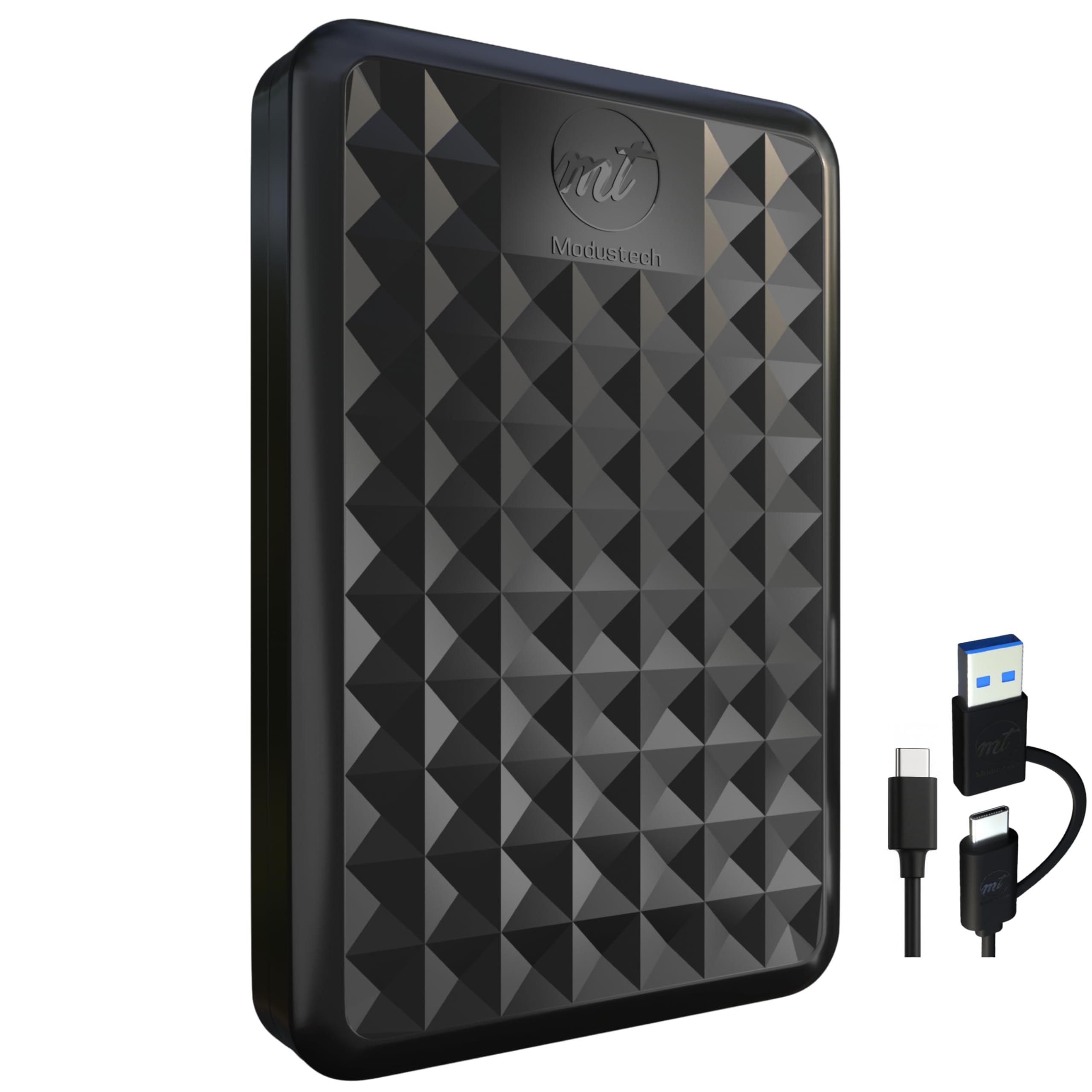
They’ll find the ModusTech 500GB Portable External Hard Drive a practical, budget-friendly USB hardisk for everyday backups and quick file shuttles. It uses USB 3.0/Type-C for noticeably faster transfers than USB 2.0, arrives preformatted for plug‑and‑play, and is slim and bus‑powered so it’s easy to carry.
For daily use it’s ideal for offloading photos, music and documents; for travel it slips into a bag without fuss; for gamers it stores a sensible library of titles without taking up console space. It isn’t an SSD, so they should expect ordinary mechanical drive speeds and a bit more sensitivity to drops, but for the price and versatility it’s an easy, sensible pick.
What People Say
Customers frequently praise the drive’s value, compact size and straightforward plug‑and‑play setup. Many appreciate the faster USB 3.0 transfers and broad compatibility with PCs, Macs and consoles. A number of users also mention that it’s a mechanical drive — so it’s not as fast or silent as an SSD — and a few note the cable length and occasional sensitivity to drops.
Overall Sentiment: Positive

Long-Term Cost Benefits
A one‑time purchase at roughly $31.91 replaces small cloud subscriptions for many users and removes recurring fees for moderate storage needs. For someone who regularly archives photos or keeps local backups, the drive typically pays for itself within a couple of years compared with ongoing cloud costs.
Return on Investment
They’ll recoup value by freeing up internal storage, reducing upload/download wait times, and avoiding incremental cloud fees. For students, photographers on a budget or gamers juggling large installs, the convenience and local control over files often translate into a quick practical payoff.
Situational Benefits
| Situation | How It Helps |
|---|---|
| Travel and field work | Offers a compact place to offload photos or project files on the go so camera cards and laptops don’t fill up. |
| Console gaming | Expands storage for PS4/PS5 and Xbox libraries so they can keep more titles installed without upgrading the console. |
| Student projects | Keeps essays, presentations and media assets backed up offline without monthly subscription costs. |
| Short-term client deliveries | Makes it easy to hand over large media folders or backups when internet uploads would be slow or unreliable. |
Ease Of Use
| Feature | Ease Level |
|---|---|
| Initial setup | Very Easy |
| Daily file transfers | Easy |
| Cross‑platform compatibility | Easy |
| Using with gaming consoles | Easy to Moderate |
Versatility
It handles everyday backups, media libraries, console storage and short project transfers without fuss. It won’t replace SSDs for heavy editing workflows, but it covers most portable HDD use cases well.
Durability
The anti‑scratch, shock‑resistant enclosure helps protect data from bumps in a bag, but as a mechanical 2.5‑inch HDD it’s more vulnerable to drops and shocks than an SSD.
Travel Friendliness
Very travel friendly — slim, USB‑powered and light enough to toss in a backpack or laptop sleeve for daily commuting or trips.
Security Features
| Feature | Protection Level |
|---|---|
| Compatibility with OS‑level encryption (BitLocker/FileVault) | High |
| Built‑in hardware encryption/password protection | Low |
| Physical shock‑resistant casing | Moderate |
| Data recovery service (manufacturer‑offered) | Moderate |
Key Benefits
- USB 3.0/Type-C connectivity with up to 5 Gbps theoretical transfer speed
- 500 GB capacity for photos, documents and media libraries
- Slim, lightweight design that’s bus‑powered and easy to carry
- Plug‑and‑play compatibility with Windows, Mac and gaming consoles
- Rugged, anti‑scratch casing with shock‑resistant design and included 2‑in‑1 cable
Current Price: $31.91
Rating: 4.4 (total: 574+)
They’ll find the WD 4TB Elements Portable External Hard Drive a straightforward, no-fuss USB hardisk for anyone who needs lots of space without complexity. It’s plug-and-play with Windows and works with Mac after a quick reformat, and the SuperSpeed USB 3.2 Gen 1 connection makes everyday transfers noticeably quicker than older USB standards.
For daily use it’s great for offloading photos, keeping large media libraries and routine backups; for special occasions — moving a wedding gallery, transporting a client’s video edits, or shipping a backup between offices — it’s roomy and predictable. It’s a mechanical 2.5-inch drive, so it won’t match SSD speed or drop resistance, but for sheer capacity and simple portability they’ll often recommend it as a sensible, budget-friendly choice.
What People Say
Customers commonly praise the drive’s large capacity and straightforward plug-and-play setup, noting it’s an easy way to free up laptop space. Many appreciate the USB 3.2/3.0 transfer responsiveness and reliable day-to-day performance. A number of users point out it’s a mechanical drive — so it’s not as fast or drop-proof as an SSD — and a few mention the unit can run warm during heavy transfers.
Overall Sentiment: Positive

Long-Term Cost Benefits
Buying this drive as a one-time expense at around $114.00 replaces months or years of small cloud subscriptions for many people. For someone who archives photos or keeps regular local backups, the upfront cost often becomes cheaper than recurring cloud fees within a year or two.
Return on Investment
They’ll get value by reclaiming internal storage, cutting upload/download time for large files, and avoiding monthly cloud charges. For photographers, students and casual editors who need lots of space without ongoing fees, the convenience and local control usually pay off quickly.
Situational Benefits
| Situation | How It Helps |
|---|---|
| Photographers and videographers | Provides a large, portable place to offload memory cards and keep working backups during shoots or between clients. |
| Travel and remote work | Lets them store bulky media and project files without relying on spotty hotel or café internet for uploads. |
| Home media libraries | Acts as a simple archive for movies, music and family videos so primary devices stay uncluttered. |
| Quick client handoffs | Makes transferring large folders to clients or collaborators easy when sending files online would be slow or impractical. |
Ease Of Use
| Feature | Ease Level |
|---|---|
| Initial setup | Very Easy |
| Daily file transfers | Easy |
| Cross-platform use (after reformat) | Easy to Moderate |
| Using with consoles or cameras | Moderate |
Versatility
It covers backups, media archives, simple transport of large files and occasional console or multi-device use after formatting. It won’t replace SSDs for heavy editing or high I/O workflows, but it handles most portable HDD tasks reliably.
Durability
The compact enclosure protects against everyday bumps in a bag, but as a mechanical HDD it’s more sensitive to drops and shocks than solid‑state options; handle it with care.
Travel Friendliness
Very travel friendly — USB‑powered, small and light enough to fit a laptop bag or carry case for commuting and trips.
Security Features
| Feature | Protection Level |
|---|---|
| Works with OS‑level encryption (BitLocker, FileVault) | High |
| No built‑in hardware encryption/password in plain model | Low |
| Physical enclosure for basic bump protection | Moderate |
| Manufacturer data‑recovery plans available as add‑ons | Moderate |
Key Benefits
- 4 TB of portable storage for large photo, video and document libraries
- SuperSpeed USB 3.2 Gen 1 / USB 3.0 connectivity for faster transfers than USB 2.0
- Plug-and-play setup for Windows; easy to reformat for Mac compatibility
- Compact, lightweight 2.5-inch design that’s powered by USB
- Good value per terabyte compared with SSDs and many cloud plans
Current Price: $114.00
Rating: 4.6 (total: 295338+)

They’ll find this YOTUO 500 GB portable external hard drive an easy, budget-friendly USB hardisk for everyday storage and gaming expansions. It’s plug-and-play on Windows and works with Mac or consoles after a quick reformat or installation step, and the USB 3.0 SuperSpeed interface makes file transfers noticeably quicker than older USB 2.0 drives.
For daily use it’s handy for offloading photos, backing up a laptop, or moving large media folders; for special occasions it’s useful for handing a client a video project, backing up a wedding gallery, or expanding console storage for extra games. The slim design and included silicone sleeve add practical protection, so they can recommend it as a sensible, no-fuss choice when capacity and portability matter more than SSD speeds.
What People Say
Shoppers often praise the straightforward setup, solid feel and the value-for-money this drive offers. Many highlight the convenience of the USB 3.0 transfer speeds and the compact size for tossing in a bag. A recurring note is that Mac or console users sometimes need to reformat or follow an extra install step, and a minority mention occasional connectivity or speed limits compared with SSDs.
Overall Sentiment: Positive

Long-Term Cost Benefits
At about $27.99 up front, this drive replaces months of small cloud subscriptions for people who prefer local backups. For those who regularly archive photos, move large projects or expand console storage, the one-time purchase often costs less than recurring cloud fees over a year or two.
Return on Investment
They’ll recoup value by freeing internal drive space, cutting upload times for big files and avoiding monthly storage bills. Gamers and creatives who need quick, portable capacity usually see the purchase pay off quickly in saved time and simpler workflows.
Situational Benefits
| Situation | How It Helps |
|---|---|
| Gamers expanding console storage | Offers an easy way to store more games and saves without opening the console — a simple install and format gets them going. |
| Photographers and videographers | Provides a portable spot to offload memory cards between shoots and keep working backups when internet is slow or unavailable. |
| Mac users needing backups | Works well with Time Machine after a quick reformat to the recommended file system. |
| Travel and remote work | Lightweight and USB-powered, it fits in a laptop bag for on-the-road backups and file transfers. |
Ease Of Use
| Feature | Ease Level |
|---|---|
| Initial setup | Very Easy |
| Daily file transfers | Easy |
| Formatting for Mac or consoles | Moderate |
| Installing on PS5/Xbox | Moderate |
Versatility
It’s a practical choice for backups, media libraries, moving large folders and expanding console storage after formatting. It handles most portable HDD tasks well but won’t replace an SSD for heavy editing or VM workloads.
Durability
The patented silicone sleeve and compact shell help absorb everyday bumps, but as a mechanical drive it’s more sensitive to drops than SSDs; treating it gently will extend its life.
Travel Friendliness
Very travel friendly — USB-powered, light (about 0.16 kg) and slim enough to slip into a laptop bag for commuting or trips.
Security Features
| Feature | Protection Level |
|---|---|
| Works with OS-level encryption (BitLocker, FileVault) | High |
| No built-in hardware encryption or password lock | Low |
| Patented silicone sleeve for physical protection | Moderate |
| Optional manufacturer data-recovery plans | Moderate |
Key Benefits
- Plug-and-play on Windows; easy to reformat for Mac and consoles
- USB 3.0 SuperSpeed transfer up to 5.0 Gbit/s for faster everyday moves
- Slim, lightweight design that’s easy to carry
- Patented silicone sleeve for extra shock protection
- Very affordable way to add 500 GB of portable storage
Current Price: $27.99
Rating: 4.3 (total: 2369+)

They’ll notice this SSK 1TB portable SSD right away for being tiny, fast and straightforward to use. It’s a USB hardisk-style external SSD that reads up to 1050 MB/s and includes both USB‑C and USB‑A cables, so it bridges phones, laptops and tablets without fuss.
For day-to-day tasks it’s perfect for offloading photos, backing up a laptop or carrying a working project; for special occasions it’s handy for handing a client a finished video, backing up a wedding gallery between shoots, or recording large 4K files from an iPhone 15 Pro. It runs cool in a slim aluminum shell, supports S.M.A.R.T. and TRIM for health, and they’ll typically recommend it when fast, pocketable storage is the priority.
What People Say
Customers frequently praise the drive’s speed and compact size, noting it feels well made and is easy to carry. Many appreciate the included USB‑C and USB‑A cables and the cross-platform compatibility with phones, Macs and PCs.
A small number report occasional longevity issues but also mention the vendor’s warranty/replacement support.
Overall Sentiment: Positive

Long-Term Cost Benefits
At a typical street price of $99.99, this 1TB SSD replaces years of small cloud fees for people who prefer local backups, and it reduces time spent waiting on uploads when moving large media libraries.
Return on Investment
They’ll see ROI in saved time — faster transfers, fewer stalled uploads, and simpler client handoffs — plus reduced recurring cloud costs if they move to local backups.
Situational Benefits
| Situation | How It Helps |
|---|---|
| Mobile videographers using iPhone 15 Pro | Supports high-bitrate 4K captures and lets them offload footage on the go without bulky rigs. |
| Photographers between shoots | Provides a fast, pocketable place to copy cards and keep working backups when internet is slow or unavailable. |
| Home media or TV recording (e.g., Tablo) | Small footprint and speed make it useful as external recording storage without extra power supplies. |
| Remote workers needing quick archives | They can clear laptop space and carry large project folders between home and office with minimal fuss. |
Ease Of Use
| Feature | Ease Level |
|---|---|
| Initial setup | Very Easy |
| Daily file transfers | Easy |
| Using with iPhone (Files app) | Moderate |
| Using with older USB ports/adapters | Moderate |
Versatility
It handles backups, media transfers and mobile recording workflows well and works across Windows, Mac, Android and newer iPhones with USB‑C. It won’t replace internal NVMe speed for heavy continuous editing, but it’s extremely useful for portable storage and delivery.
Durability
The 2mm aluminum case helps with heat and adds some bump resistance; overall it’s solid for daily carry but, like most small electronics, benefits from careful handling and safe ejection to protect data.
Travel Friendliness
Highly travel friendly — lightweight (about 36.6 g), pocket-sized and USB‑powered, so it tucks into a laptop bag without adding bulk.
Security Features
| Feature | Protection Level |
|---|---|
| S.M.A.R.T. drive health monitoring | Moderate |
| TRIM support to maintain write performance | Moderate |
| Works with OS-level encryption (BitLocker, FileVault) | High |
| No built-in hardware password lock | Low |
| Optional manufacturer data-recovery/protection plans | Moderate |
Key Benefits
- Blazing read/write speeds up to 1050/1000 MB/s for quick transfers
- Includes both USB‑C and USB‑A cables for broad device compatibility
- Compact, lightweight aluminum body with good heat dissipation
- S.M.A.R.T. monitoring and TRIM support to help maintain performance
- Low power draw and tuned for mobile use (works with iPhone 15+ USB‑C)
Current Price: $99.99
Rating: 4.5 (total: 3808+)
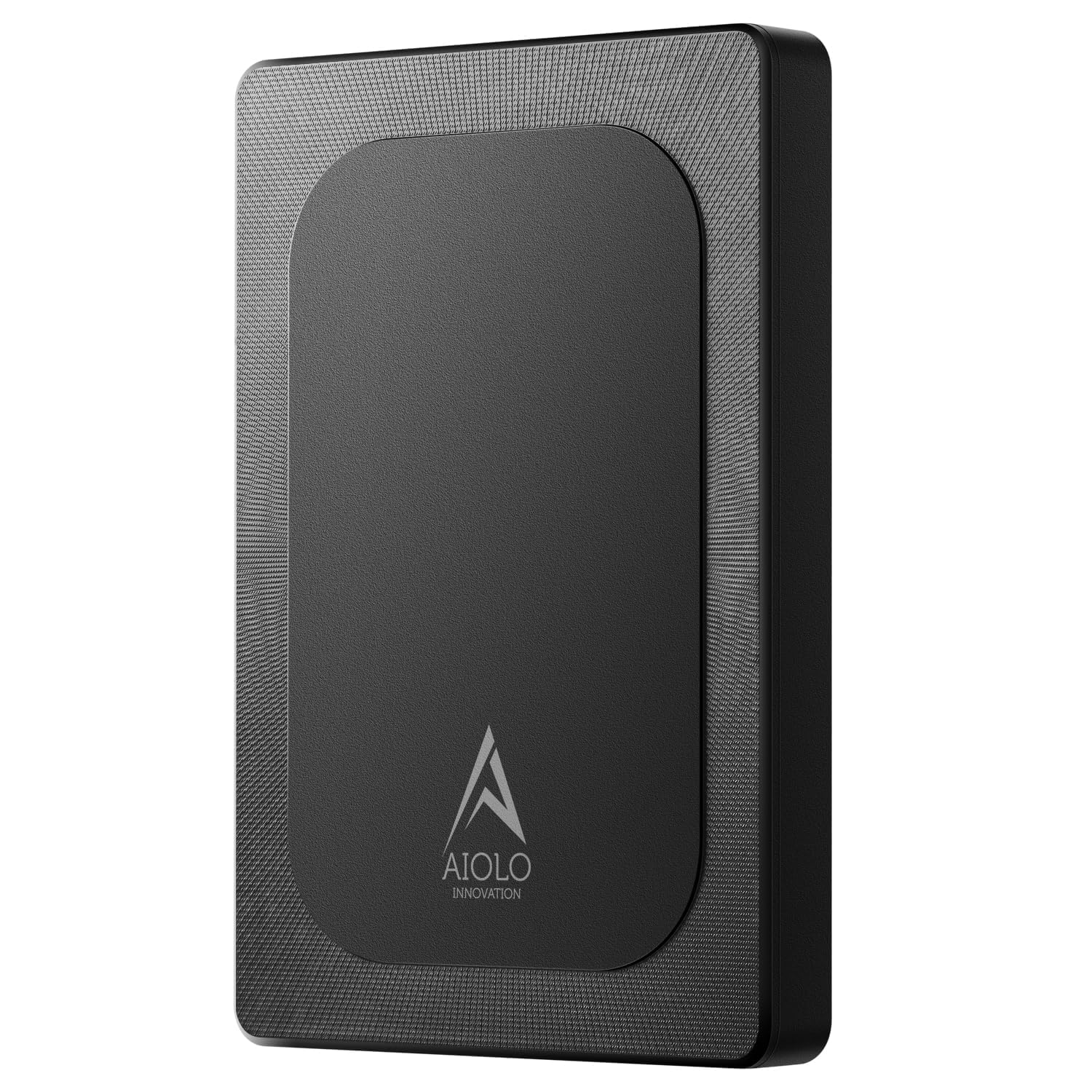
They’ll find this Aiolo 320GB drive to be a very practical USB hardisk-style option when pocketable storage matters. It’s an ultra-slim, USB 3.0-powered external HDD that promises modestly quick transfers (the manufacturer lists theoretical read speeds around 110–133 MB/s and writes near 103 MB/s), plug‑and‑play setup and a USB‑to‑C adapter in the box. For everyday needs it’s ideal for clearing laptop space, keeping a local backup of photos, or carrying a working media folder.
For special moments — handing a client a photo batch, moving a game library between consoles, or backing up a shoot between locations — it’s compact and quiet enough to be convenient. They’ll usually recommend it to someone who wants inexpensive, cross‑platform portable storage without the premium of an SSD.
What People Say
Customers commonly highlight how slim and lightweight the drive is, and many praise the straightforward plug‑and‑play experience across laptops and game consoles. People also mention decent transfer speeds for the price, low noise in daily use, and appreciation for the included USB‑C adapter; a few note initial quirks with certain Macs or phone power limits but overall value and reliability come up a lot.
Overall Sentiment: Positive
Long-Term Cost Benefits
At a modest street price, this 320GB USB hardisk is a low-cost way to offload old files and avoid recurring cloud storage fees for casual users. For someone who prefers local backups, the one-time expense will likely pay for itself compared with multi-year subscription costs, especially when used to store photos, documents and game saves.
Return on Investment
They’ll see ROI mostly in convenience and time saved: faster local restores, fewer cloud uploads, and a reliable portable archive for projects. For users who move large folders between devices often, the drive cuts wasted waiting time and provides a cheap, tangible backup.
Situational Benefits
| Situation | How It Helps |
|---|---|
| Photographers between shoots | Offers a quick, pocketable place to copy cards and hold working backups when internet or cloud uploads aren’t practical. |
| Gamers moving libraries | Works with PS4 and Xbox out of the box to store or transfer game installs without complicated setups. |
| Remote workers clearing laptop space | They can stash large project folders locally and take them between home and office without uploading. |
| Travelers needing media backups | Slim profile and included adapter let them back up photos and videos on the go, keeping originals safe while traveling. |
Ease Of Use
| Feature | Ease Level |
|---|---|
| Initial setup | Very Easy |
| Daily file transfers | Easy |
| Using with game consoles (PS4/Xbox) | Easy |
| Connecting to phones (OTG/power-limited devices) | Moderate |
Versatility
It covers basic backup, file transport and console storage needs and works across Windows, Mac, Linux, PS4, Xbox and many Android devices (with the included adapter). Being a mechanical HDD, it won’t match SSD speeds for heavy editing, but it’s versatile for everyday and occasional high-capacity tasks.
Durability
The product uses an aluminum anti-interference layer for heat dissipation and feels solid for daily carry, but as a mechanical drive it’s more sensitive to drops and shocks than an SSD — careful handling is advised to protect data.
Travel Friendliness
Very travel friendly thanks to its slim dimensions and light weight; it slips into a pocket or bag easily. They should still keep it padded inside luggage or a laptop bag to reduce risk of impact while moving.
Security Features
| Feature | Protection Level |
|---|---|
| No built-in hardware encryption/password lock | Low |
| Works with OS-level encryption (BitLocker, FileVault) | High |
| Aluminum anti-interference layer (heat and EMI reduction) | Moderate |
| Optional manufacturer data recovery/protection plans | Moderate |
Key Benefits
- Pocketable, ultra-thin design that’s easy to carry
- USB 3.0 connectivity for noticeably faster transfers than USB 2.0
- Plug-and-play compatibility with PC, Mac, PS4, Xbox and Android (with adapter)
- Quiet operation and aluminum anti-interference layer for heat dissipation
- Includes USB 3.0 cable and USB‑to‑C adapter plus a three-year manufacturer warranty
Current Price: $26.97
Rating: 4.4 (total: 4038+)
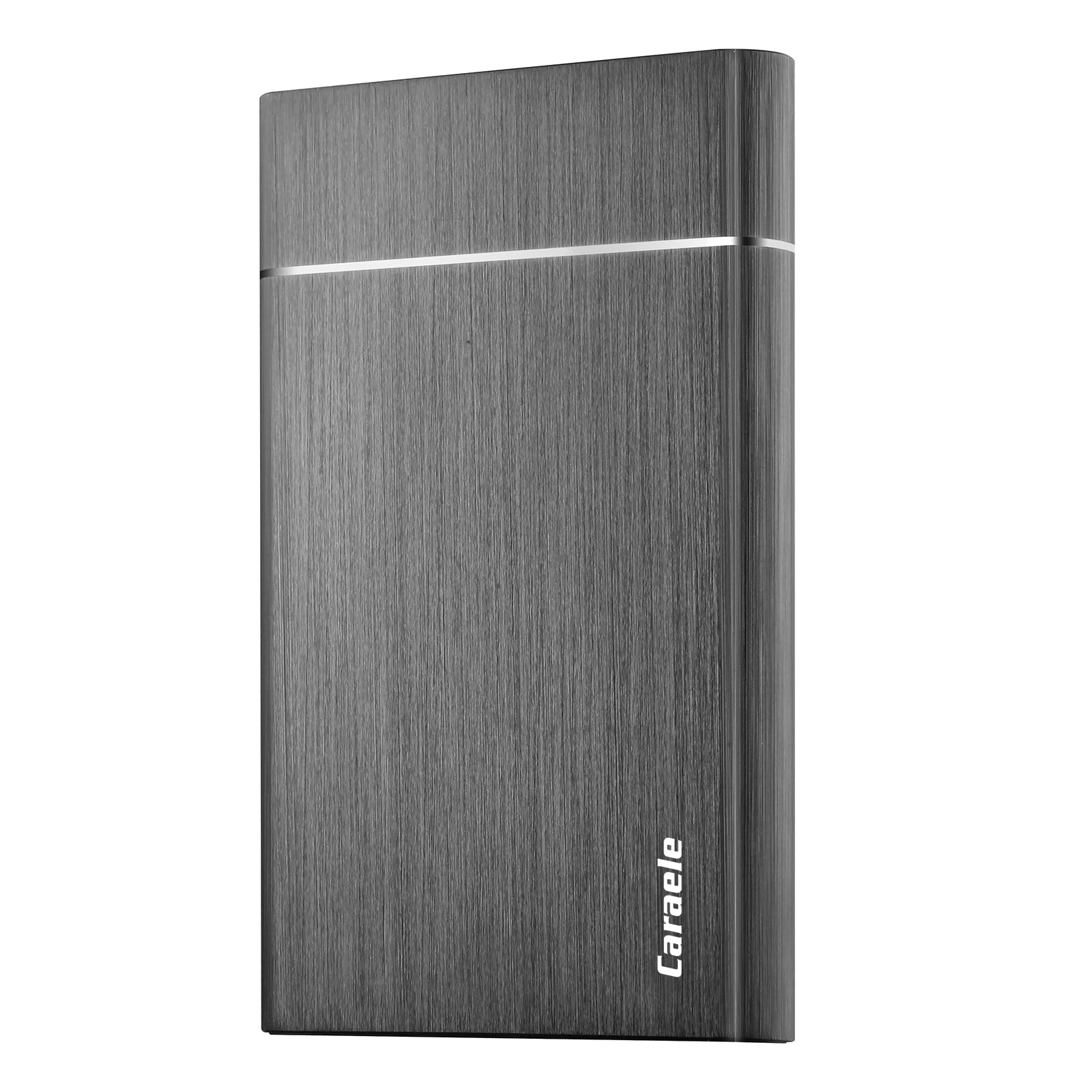
They’ll find this Caraele 500GB to be a practical USB hardisk-style option when affordable, pocketable storage is the goal. It uses USB 3.0 (up to 5 Gbit/s) for noticeably faster transfers than USB 2.0, comes ready to use with a USB 3.0 cable, and supports Windows, Mac, Linux, Chromebook and most game consoles.
For everyday life it’s handy for clearing laptop space, keeping a local archive of photos and videos, or moving media between devices. For special moments — handing a client a batch of images, offloading footage between shoots, or taking a console library on the road — it’s compact and uncomplicated. They’d suggest it to someone who wants straightforward, high-capacity portable storage without paying SSD prices, while noting that as a mechanical drive it won’t match NVMe or SATA SSD speeds.
What People Say
Customers often praise the drive’s simplicity and value — people like that it just works across laptops and consoles without fuss. Many note the slim form factor and appreciated the included cable and warranty, while a modest number point out that large file transfers can feel slower than modern SSDs.
Overall Sentiment: Positive

Long-Term Cost Benefits
Buying local storage like this 500GB USB hardisk is a one-time cost that can reduce ongoing cloud fees for casual users. For someone who prefers keeping photos, project folders and game saves locally, the single purchase can be cheaper than multi-year subscriptions.
Return on Investment
The ROI shows up in convenience and reduced friction: faster local restores, fewer uploads to cloud services, and a simple offline backup for important files. Users who frequently move large folders or maintain archives will get the most practical benefit.
Situational Benefits
| Situation | How It Helps |
|---|---|
| Photographers between shoots | Provides a quick, portable place to copy cards and hold working backups when internet or cloud uploads aren’t available. |
| Gamers moving libraries | Works with PS4 and Xbox for storing or transferring games without complicated setups or extra software. |
| Remote workers clearing laptop space | Lets them stash large project folders locally and take them between home and office without syncing delays. |
| Travelers needing media backups | Slim profile and light weight make it easy to back up photos and video on the go while keeping originals safe. |
Ease Of Use
| Feature | Ease Level |
|---|---|
| Initial setup | Very Easy |
| Daily file transfers | Easy |
| Using with game consoles (PS4/Xbox) | Easy |
| Connecting to phones (OTG/power-limited devices) | Moderate |
Versatility
It handles backup, file transport and console storage needs well and is compatible across major platforms. As a mechanical HDD it’s best for capacity-focused tasks rather than heavy, latency-sensitive editing workflows.
Durability
The enclosure feels solid for daily carry, but because it’s a mechanical drive they should avoid drops and strong shocks. With normal careful handling it’s fine for commuting and travel.
Travel Friendliness
Very travel friendly thanks to its slim dimensions and light weight; it fits in a pocket or bag easily. They should keep it padded inside luggage or a laptop sleeve to reduce impact risk.
Security Features
| Feature | Protection Level |
|---|---|
| No built-in hardware encryption or password lock | Low |
| Works with OS-level encryption (BitLocker, FileVault) | High |
| 3-year manufacturer warranty and optional recovery plans | Moderate |
| Compact metal/plastic casing for basic physical protection | Moderate |
Key Benefits
- USB 3.0 connectivity for faster transfers compared with USB 2.0
- Slim, pocketable 2.5-inch design that’s easy to carry
- Plug-and-play across PC, Mac, Linux, Chromebook and major consoles
- Includes USB 3.0 cable and a three-year manufacturer warranty
- Affordable high-capacity storage for photos, media and game libraries
Current Price: $26.99
Rating: 4.6 (total: 30+)
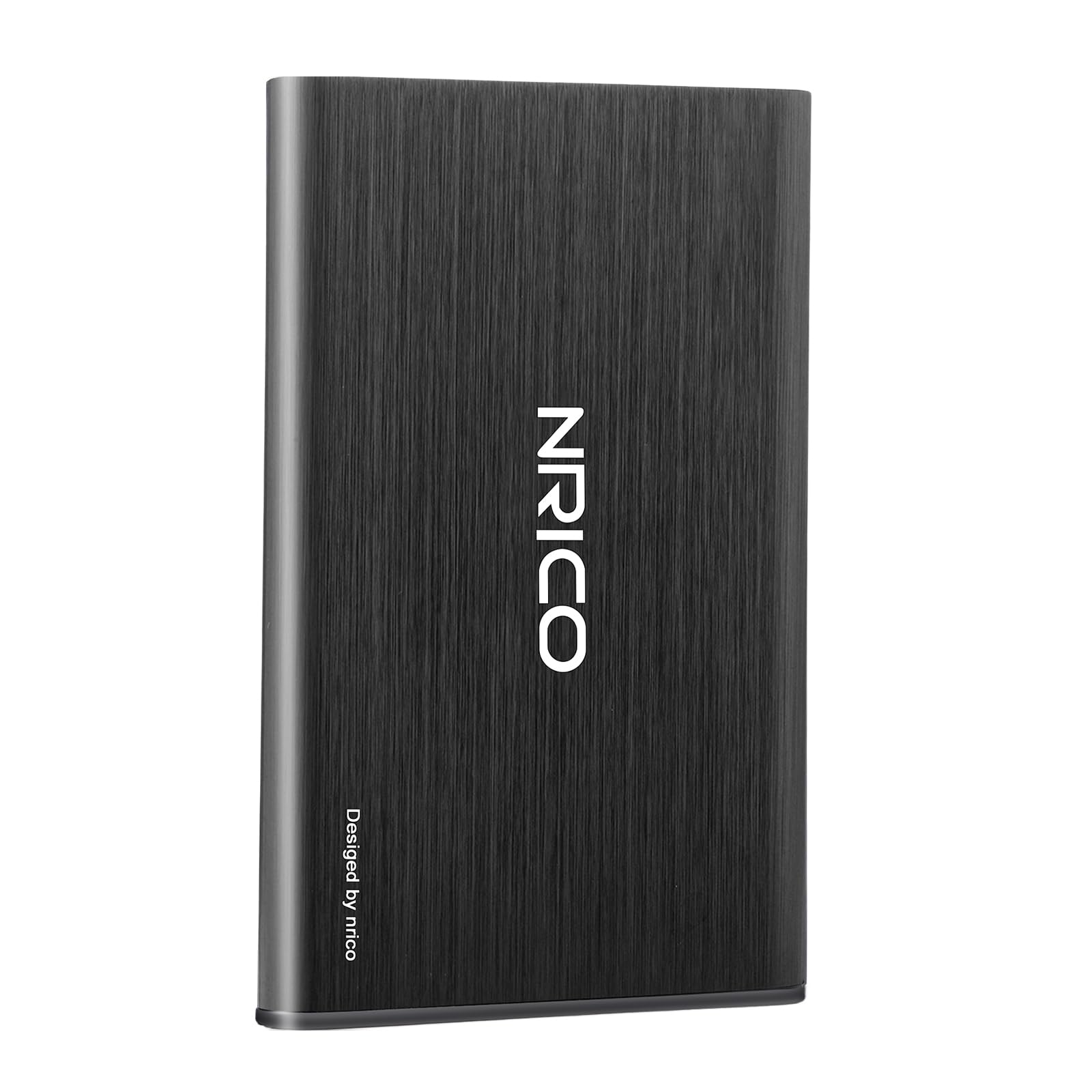
They’ll find the NRICO Ultra Slim 500GB to be a no-nonsense USB hardisk option when affordable, pocketable storage is the priority. It uses USB 3.0 for noticeably faster transfers than USB 2.0, arrives plug-and-play with a USB 3.0 cable, and plays nicely with Windows, Mac, Linux and major consoles like PS4 and Xbox One. For everyday needs it’s useful for clearing laptop space, keeping a local photo or project archive, or moving large media files between machines.
For specific tasks — handing a client a batch of images, backing up footage between shoots, or taking a console library on a trip — it’s compact and uncomplicated. They’d recommend it to someone who wants reliable, high-capacity HDD storage without paying SSD prices, while reminding readers that a mechanical drive won’t match SSD responsiveness.
What People Say
Customers frequently praise the drive’s simplicity and value, noting that it reliably connects to laptops and consoles with minimal fuss. Many appreciate the slim profile and the included cable and warranty, while a small number report occasional connection dropouts or rare failures — and several commenters point out that transfer speed is reasonable for an HDD but not comparable to SSDs.
Overall Sentiment: Positive

Long-Term Cost Benefits
Buying a one-time external drive like this 500GB USB hardisk can reduce ongoing cloud storage bills for casual users. For anyone who prefers keeping photos, archives and large project folders locally, this is usually cheaper over a few years than recurring subscription fees.
Return on Investment
The practical ROI shows up as convenience: fewer uploads/downloads, faster local restores and an offline backup for important files. People who regularly move large folders or maintain local archives will notice the benefit fastest.
Situational Benefits
| Situation | How It Helps |
|---|---|
| Photographers between shoots | Gives a quick, portable place to copy memory cards and hold working backups when internet or cloud uploads are slow or unavailable. |
| Gamers moving libraries | Lets them store or transfer games for PS4 and Xbox without complicated setup or extra software. |
| Remote workers clearing laptop space | Provides local storage for large project folders so they can move between home and office without long syncs. |
| Travelers needing media backups | Slim form and light weight make it easy to back up photos and video on the road while keeping originals safe. |
Ease Of Use
| Feature | Ease Level |
|---|---|
| Initial setup | Very Easy |
| Daily file transfers | Easy |
| Using with game consoles (PS4/Xbox) | Easy |
| Connecting to phones (OTG/power-limited devices) | Moderate |
Versatility
It handles backups, media transport and console storage well and is compatible across major platforms. As a mechanical HDD it’s best for capacity-focused tasks rather than latency-sensitive editing workflows.
Durability
The aluminum-style finish and ABS casing provide basic physical protection, but being a mechanical drive it’s vulnerable to drops and heavy shocks. With normal careful handling it’s suitable for daily carry.
Travel Friendliness
Very travel-friendly thanks to its slim dimensions and light weight; it fits in a pocket or small pouch. They should still cushion it in luggage or a laptop sleeve to minimize impact risk.
Security Features
| Feature | Protection Level |
|---|---|
| No built-in hardware encryption or password lock | Low |
| Compatible with OS-level encryption (BitLocker, FileVault) | High |
| 3-year manufacturer warranty and optional data recovery plans | Moderate |
| Metal/ABS casing for basic physical protection | Moderate |
Key Benefits
- USB 3.0 connectivity for faster transfers compared with USB 2.0
- Ultra-slim 2.5-inch design that tucks into a pocket or bag
- Plug-and-play across PC, Mac, Linux and major consoles
- Includes USB 3.0 cable and a three-year manufacturer warranty
- Affordable 500GB capacity for photos, media and game libraries
Current Price: $26.99
Rating: 4.3 (total: 150+)
FAQ
What Should They Consider When Buying A Portable USB Hardisk?
They should prioritise Capacity, Interface, and the intended use. Capacity decisions hinge on workflow: a 500 GB–1 TB drive is often enough for documents and modest media libraries, 2 TB–5 TB suits photographers and gamers, and 8 TB+ is appropriate for large archives; for example, a Seagate Portable 2TB is listed at $82.92 and a WD 5TB Elements at $134.99. They must decide between mechanical HDDs and SSDs: SSDs (for example, an SSK 1TB portable SSD at $99.99) deliver higher sustained transfer rates and shock resistance but cost more per gigabyte.
The interface matters: USB 3.0/3.2 or USB‑C offers faster transfers than USB 2.0 and reduces wait time when moving large files. They should check whether the drive is bus‑powered or needs an external power adapter (desktop-class 3.5″ models often require external power). Cable quality and connector type are frequently overlooked; a short or poor USB cable can throttle throughput, so they should use a good cable or an adapter if their system offers USB‑C only. Finally, they should weigh warranty, bundled services and features such as hardware encryption or Rescue/Data Recovery options when comparing value.
Will It Work With Different Devices And What About Formatting?
They should expect broad compatibility but must confirm specifics before purchase. Many portable drives are plug‑and‑play on Windows and easy to reformat for Mac; for instance, Seagate drives commonly ship NTFS and work immediately with Windows but require reformatting for macOS write support.
For cross‑platform use between Windows and Mac, they should choose exFAT to avoid file size limits. They must also recognise console behaviour: an external USB hardisk will serve as expanded storage for PS4 and as extended storage for PS5 for PS4 titles, but PS5 games must reside on the console’s internal or an approved NVMe SSD for active play. When connecting to phones or tablet docks, they should verify power requirements and use appropriate adapters—some drives will run from phone power, others will not.
They should check the product page for the interface (USB 3.0, USB 3.2, USB‑C) and whether the drive needs a separate power supply, as desktop 3.5″ units and high‑capacity models often do.
How Can They Keep Data Safe And Extend The Life Of A Portable Hard Disk?
They should adopt a disciplined approach: employ a 3‑2‑1 Backup Strategy (three copies, two different media types, one offsite) and use at least two independent drives for important data. They should enable available encryption or password protection if the drive supports it (for example, some My Passport models include hardware encryption and bundled backup software).
They must avoid moving or disconnecting the drive while it spins, always use the operating system’s eject command, and replace flimsy cables that show wear. For mechanical HDDs, they should expect occasional audible noise and modest heat; SSDs reduce both concerns but remain subject to wear from write cycles.
They should run periodic health checks (SMART monitoring or vendor utilities), keep firmware and backup software current, and retain warranty details or data‑rescue service information—Seagate’s portable models, for instance, may include a 1‑year Rescue Service. Finally, they should plan for failure: treat any single portable USB hardisk as a fragile component and maintain redundant copies to avoid irreversible data loss.
Top Customer Picks
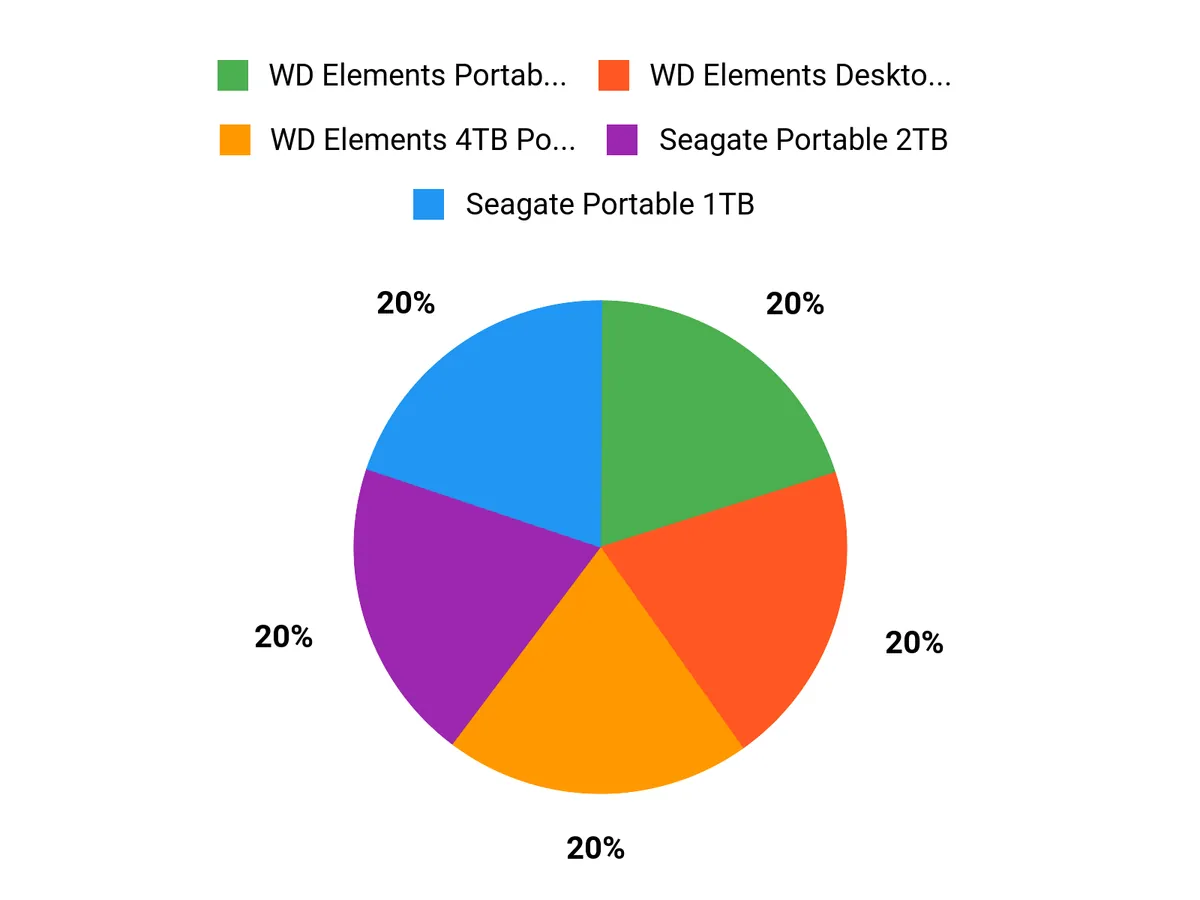
They choose among the Seagate Portable 2TB, Seagate Portable 1TB, and WD Elements 5TB by balancing capacity, portability and value: buyers favor the 1TB for maximum pocketable convenience and lowest upfront cost, the 2TB for a middle ground of roomy storage without sacrificing portability, and the WD Elements 5TB when sheer capacity and best price-per-terabyte are paramount. Reliability, plug-and-play USB compatibility, and brand reputation further tip decisions, so they select the model that best matches how much data they move regularly versus how often they need to carry the drive.
Wrapping Up
They can simplify backups, expand laptop storage and move large media collections between devices by choosing the right portable drive. The Seagate Portable 2TB stands out as a balanced option for most users because it pairs reliable capacity and plug-and-play USB 3.0 compatibility with a low price and broad device support.
For those who prioritize speed and durability over cost, an external SSD or a higher-end USB-C NVMe model is better suited; for archive and budget-conscious buyers, larger mechanical drives from Western Digital or Seagate provide more terabytes per dollar. In short, a carefully chosen drive turns the chore of data management into a routine: reliable, portable storage that fits the user’s workflow while avoiding common pitfalls such as mismatched interfaces, insufficient power, or unnecessary expense on features they will not use.
| Product | Image | Rating | Storage Capacity | Connectivity Technology | Price |
|---|---|---|---|---|---|
| Seagate Portable 2TB External Hard Drive HDD |  | 4.6/5 (267,955 reviews) | 2 TB | USB 3.0 | $82.92 |
| Seagate Portable 1TB External Hard Drive HDD | 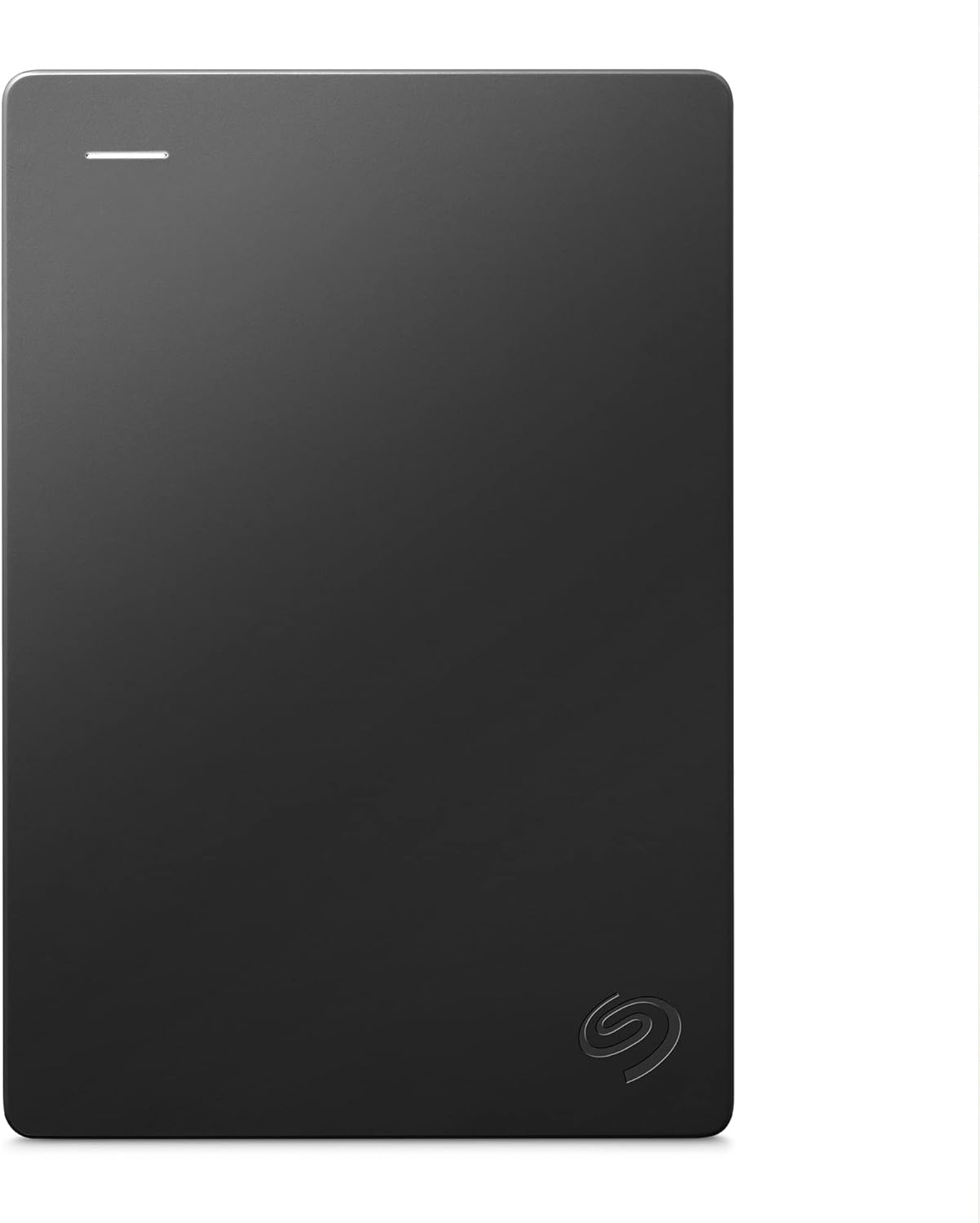 | 4.6/5 (269,214 reviews) | 1 TB | USB 3.0 | $71.98 |
| Western Digital WD 5TB Elements Portable External Hard Drive |  | 4.5/5 (39,717 reviews) | 5 TB | USB 3.0/2.0 | $134.99 |
| Toshiba Canvio Basics 1TB Portable External Hard Drive |  | 4.6/5 (17,677 reviews) | 1 TB | USB 3.0 | $61.00 |
| WD 2TB Elements Portable External Hard Drive |  | 4.6/5 (295,338 reviews) | 2 TB | USB 3.0/2.0 | $79.99 |
| SSK Portable SSD 1TB External Solid State Drive |  | 4.5/5 (3,808 reviews) | 1 TB | USB 3.2 Gen 2 | $99.99 |
This Roundup is reader-supported. When you click through links we may earn a referral commission on qualifying purchases.