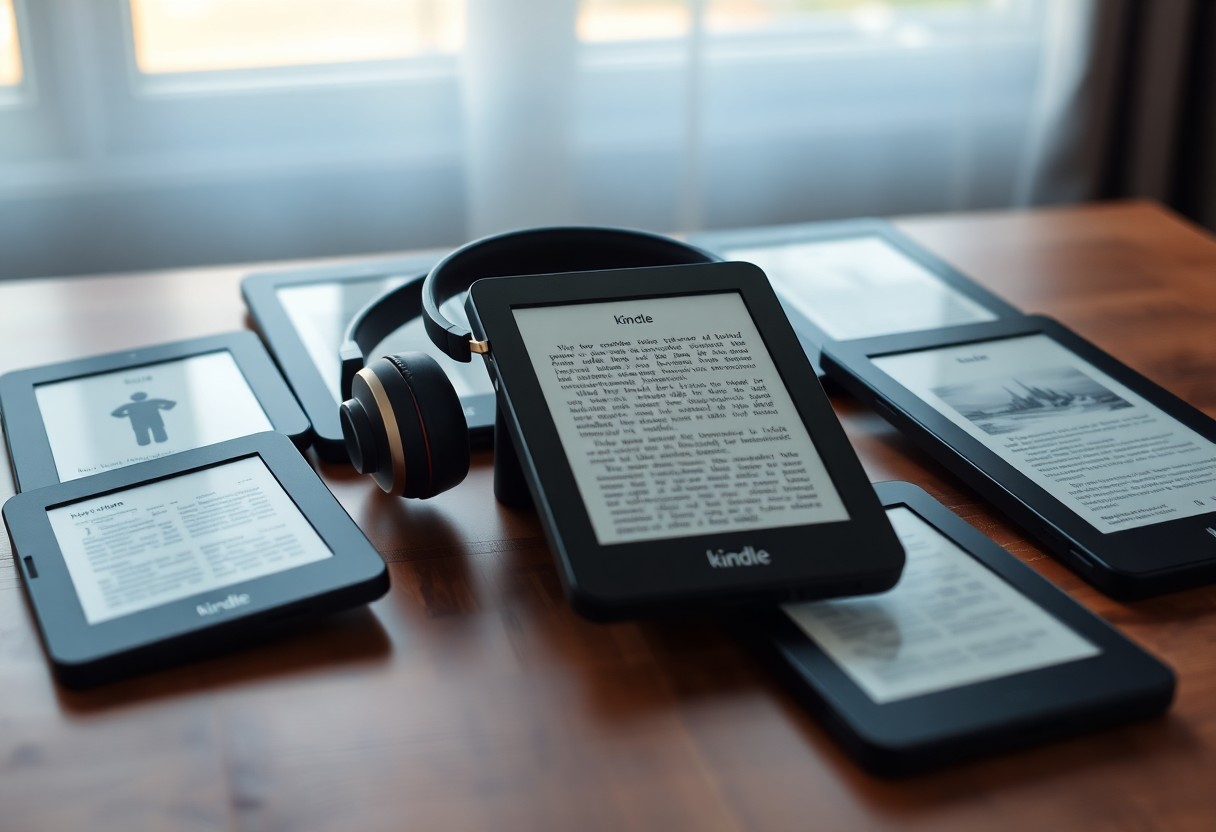

It’s easy to narrow down which Kindle suits you when you assess your reading habits, preferred screen size, lighting conditions, and file formats; follow seven practical steps that guide you through battery life, storage, portability, and budget so you select a model that matches your pace and priorities and ensures your reading is comfortable and uninterrupted.
Key Takeaways:
- Match the display and lighting to your reading environment-choose larger screens for PDFs/graphics, Paperwhite for bright outdoor reading, and adjustable warm light for night sessions.
- Pick features based on habits-prioritize storage and long battery life for heavy readers, and Bluetooth/Audible support if you use audiobooks.
- Weigh ecosystem, format compatibility and price-confirm Kindle supports your file types or plan for conversion, consider subscription access, and try samples or in-store demos before buying.
Understanding Your Reading Habits
If you track how and when you read, selecting the right Kindle becomes far more precise: the median reader in the US finishes about 12 books a year, commuters often read 20-40 minutes daily, and heavy readers can spend 1-3 hours per session. Measure your typical session length, preferred lighting, and file types to match screen size, battery life, and storage to your routine; those metrics directly influence whether you need a basic e-ink device or a model with larger display and longer battery.
| Metric | Typical values / examples |
| Daily reading time | 10-180 minutes (commute vs. nightly) |
| Session length | 15-90 minutes |
| Books per year | 5-50 (median ~12) |
| Formats used | ePub/Kindle MOBI, PDFs, audiobooks |
| Lighting needs | Indoor dim, outdoor bright, night reading |
Frequency of Reading
If you read daily, prioritize battery and comfort: daily readers (30+ minutes/day) benefit from lighter devices and long battery life, while occasional readers might prefer a basic, lower-cost model. For commuters who read 15-45 minutes each trip, a compact Kindle with good page-turn responsiveness helps; readers who sit for 60-180 minute sessions will appreciate a larger screen and ergonomic design to reduce eye strain and improve immersion.
Types of Content Consumed
If most of your consumption is novels and fiction, you can favor compact e-ink displays and smaller storage; but if you read PDFs, textbooks, or graphic-heavy material, you should consider larger screens and better PDF support. When audiobooks form part of your routine, Bluetooth and good audio integration become important; mixing formats means selecting a versatile device that handles MOBI/KF8, PDFs, and Audible files smoothly.
- Short bursts (commute, waiting): prioritize fast wake and pocketable size.
- Long sessions (bedtime, dedicated reading): prioritize larger screen, weight distribution, and warm front light.
- Perceiving how many heavy-format files (PDFs, comics) you store and how often you listen to audiobooks will guide your choice of screen size, storage, and Bluetooth support.
If you consume a mix of formats, weigh specifics: PDFs and comics often require 7-10 inch displays to avoid constant zooming, while novels and short stories work well on 6-inch screens; audiobooks need Bluetooth and at least 8-16 GB of storage for synced files. You should also note file sizes-graphic-heavy books can be 20-100 MB each-so pick storage accordingly and test PDF rendering on sample files before committing.
Key Features of Kindle Devices
You should focus on hardware elements that change daily reading comfort: display tech and size, lighting and warmth control, storage for books and audiobooks, battery life measured in weeks, and water resistance for poolside use. Prioritize features based on your habits-if you read PDFs pick larger screens; if you listen to Audible choose Bluetooth and more storage; if you commute, weight and physical buttons matter.
- Display resolution and ppi – ranges commonly span ~167 to 300 ppi; higher ppi (300) gives crisper fonts for small type and dense PDFs.
- Screen size and type – options run from ~6″ pocket Kindles to 10″+ E Ink tablets; Carta/ComfortLight and Paperwhite technologies affect contrast and warmth.
- Front light and warm light – adjustable LEDs let you shift color temperature for night reading and reduce eye strain under different lighting.
- Waterproofing – many models offer IPX8 protection so you can read by the pool or in the bath without worry.
- Battery life – expect measured use spanning days to weeks; wireless features and backlight use are the main drains.
- Storage capacity – options typically include 8GB, 16GB, 32GB and up; audiobooks and PDFs consume far more space than text-only ebooks.
- Connectivity and audio – Wi‑Fi (and optional cellular), plus Bluetooth for Audible playback and wireless headphones.
- Physical controls and ergonomics – weight, page-turn buttons, and bezel design matter for long sessions and one-handed reading.
- File support and ecosystem – native AZW/KF8/MOBI/EPUB (converted) handling, cloud archive for offloading, and Whispersync for cross-device reading.
- The best choice balances these specs against how you read: PDFs and textbooks favor large, high-pixel screens and 32GB+, while fiction-focused readers often do fine with a 6-6.8″ 300 ppi device and 8-16GB.
Screen Size and Type
You’ll choose between portability and page real estate: 6-6.8″ screens excel for novels and commuting, while 7.8″-10.2″ (Scribe-style) screens make PDFs, comics, and textbooks readable without constant zooming. E Ink Carta or similar panels deliver paper-like contrast and battery efficiency; 300 ppi gives near-print clarity, and built-in warm light plus anti-glare surfaces let you read outdoors or at night with less eye fatigue.
Storage Capacity
You can expect common onboard sizes from 8GB to 64GB; an 8GB device holds several thousand text-only ebooks but far fewer audiobooks or large PDFs. If you listen to Audible frequently or keep a library of comic/PDF files, aim for 32GB or higher to avoid juggling downloads.
Cloud storage offsets onboard limits because Amazon archives purchases, letting you remove local files and redownload as needed, but offline access and audiobooks require local space; plan for roughly 50-300MB per audiobook and 1-50MB per ebook depending on images. If you annotate PDFs or sideload large educational files, choose 32GB+ and consider models with expandability or faster USB‑C transfers for quicker file management.
Comparing Kindle Models
When you line up models, focus on display size, resolution, water resistance, storage, and ergonomic features: Kindle (Basic) has a 6″ 167 ppi display and minimal storage, Paperwhite offers a 6.8″ 300 ppi screen with IPX8 waterproofing and 8-32 GB options, and Oasis adds a 7″ 300 ppi panel, physical page buttons, and an aluminum body-expect battery life measured in weeks and price premiums roughly ranging from ~$90 (Basic) to $140-250 (Paperwhite/Oasis) depending on configuration.
At-a-glance comparison
| Kindle (Basic) | 6″ 167 ppi, ~4-8 GB storage, front light, entry-level price; good if you want the cheapest lightweight e-reader for casual reading. |
| Kindle Paperwhite | 6.8″ 300 ppi, IPX8 waterproof, adjustable warm light, 8-32 GB, long battery life; ideal for outdoors, poolside, and frequent readers. |
| Kindle Oasis | 7″ 300 ppi, ergonomic aluminum design, physical page-turn buttons, auto-adjusting warm light, up to 32 GB; built for one-handed, long-session comfort at a premium price. |
Kindle Basic vs. Kindle Paperwhite
You’ll notice the Paperwhite’s 300 ppi display and larger 6.8″ screen render text far crisper than the Basic’s 6″ 167 ppi panel; Paperwhite adds IPX8 waterproofing and better front-light control, plus larger storage options, while the Basic saves you money and still delivers weeks of battery life-choose Paperwhite if you read outdoors, in bath/pool settings, or want higher fidelity for small fonts and dense layouts.
Kindle Oasis
You get a 7″ 300 ppi display, physical page-turn buttons, an aluminum chassis, and auto-adjusting warm light with the Oasis, which makes long, one-handed sessions easier and reduces eye strain during extended evening reading; expect a higher upfront cost but a premium feel and ergonomics unmatched by the other Kindles.
For more detail, the Oasis suits you if you read multiple hours daily and prioritize tactile controls and hand comfort-physical buttons let you change pages without shifting grip, and the slightly larger screen improves line length and immersion. Conversely, if you consume PDFs, comics, or heavily formatted textbooks, consider a tablet or Kindle Scribe for larger real-estate despite the Oasis’s advantages for pure prose reading.
Evaluating Battery Life and Durability
You should compare advertised runtimes-many Kindles claim between 6-10 weeks of use with 30 minutes per day depending on model and settings-and real-world tests that show heavy backlight and Bluetooth use cuts that to days. Look for IPX8 water resistance if you read by pools or bathtubs, and choose metal frames or reinforced glass if you travel often; those survive drops and repeated handling better than thin plastic bezels.
Usage Scenarios
For short commutes you’ll value a lightweight 6″ model with a 300-600 nit front light and quick page turns; bedside readers benefit from adjustable warm light to reduce eye strain at night. If you read outdoors, prioritize high contrast and anti-glare screens plus IPX8 protection. Choose 8 GB for mostly novels, or 32 GB when you keep PDFs, comics, or dozens of audiobooks on-device.
Long-Distance Travel Considerations
If you travel long-haul, prioritize battery longevity, offline storage, and USB-C charging. Airplane mode can stretch multi-week claims into reality, and carrying a 10,000 mAh power bank gives you several full charges. Also verify water resistance and a compact weight under ~250 g so your device doesn’t add bulk to carry-ons.
Optimize settings before long trips: lower brightness, disable Bluetooth and Wi‑Fi, and preload entire series so you don’t rely on downloads. Pack a short USB‑C cable and a PD-capable power bank for faster top-ups; with typical Kindle batteries, a 10,000 mAh bank refills the device multiple times, letting you read across consecutive flights without searching for outlets.
Budgeting for Your Kindle
When setting your budget, plan a total that covers the reader plus accessories and occasional sales: expect to spend roughly $90-$350 for the device itself, $20-$50 for a protective cover, and $10-40 if you want extended support or a premium stylus. If you read a lot-say 20+ hours a month-allocate more toward models with higher-res displays and waterproofing; if you borrow from the library, a basic model will serve. Factor Black Friday or Prime Day discounts that commonly shave 20-40% off retail prices.
Price Ranges
Amazon’s lineup typically spans entry-level Kindles around $90-100, Paperwhite models from about $140 to $190 depending on Signature/ads-free variants, and the Scribe/note-taking models near $330-400. Older Oasis units and certified refurbished devices can drop below $150 on resale markets. Sales events often push Paperwhites into the $100-130 range, so set a ceiling but watch for those 20-40% seasonal reductions.
Value for Features
Match feature value to how you read: a basic Kindle’s 167 ppi and 8GB storage suffices for casual novels, while Paperwhite’s 300 ppi, IPX8 waterproofing, and 8-32GB choices justify a higher price if you read outdoors or want a crisper display. If audiobooks matter, ensure Bluetooth/Audible support; for PDFs or comics, prioritize larger screens or the Scribe. Calculate cost per feature-how much extra you pay for waterproofing, 300 ppi, or added storage-against how often you’ll use each.
Also weigh ongoing costs and accessories: ad-supported units save roughly $20-30, Signature Editions add features like wireless charging for about $40-50 more, and a quality cover or stylus typically adds $20-60 (Scribe pens run around $35-40). Consider refurbished models for 15-30% savings and check resale value if you upgrade frequently; this often makes spending a bit more upfront worthwhile when resale recoups part of the cost.
Making Your Purchase Decision
When you weigh features against price, factor in total ownership: device cost typically ranges from about $90-$350, cases and chargers add $15-$60, and more storage or cellular can add $20-$100. Prioritize what you use most-if you read PDFs or comics pick a 7″+ display and 32GB, if you read novels daily an 8-10 week battery and a Paperwhite-size screen usually suffice. Check warranty length and return windows before committing.
Analyzing Reviews and Feedback
You should filter reviews for verified purchases and sort by most recent to spot firmware or hardware regressions; watch for consistent complaints (10+ reports) about backlight bleed, battery decline after months, or touchscreen lag. Give more weight to reviews with photos or video, and cross-check hands-on tests from The Verge, Wirecutter, or YouTube reviewers for measured brightness (cd/m²), refresh behavior, and real-world battery runtimes.
Retail Options and Promotions
You can often find better deals through Amazon during Prime Day, Black Friday, or back-to-school sales when discounts commonly run 10-40%, and retailers like Best Buy or Target may offer price matching or bundle savings. Consider Amazon Renewed or manufacturer-refurbished units to save 20-50% while retaining limited warranty coverage; verify return policy length and seller ratings before buying.
Also check trade-in programs (some offer up to $50-$150 credit depending on model), cashback portals and credit card offers for extra savings, and use price-tracking tools like CamelCamelCamel or Keepa to time purchases. Factor in extended protection plans at retailers-typically 1-3 years-for $20-$80 if you want accidental damage coverage beyond the standard warranty.
To wrap up
From above, you can weigh screen size, resolution, storage, battery life, and reading features against your habits to find the Kindle that fits your pace and preferences; prioritize portability if you travel, a larger display for PDFs, and lighting and waterproofing for versatile use so your device enhances every reading session.
FAQ
Q: How do I choose the right Kindle model for my reading habits?
A: Match the model to how and where you read most often. If you read casually on the go, an entry-level Kindle offers light weight and affordability. If you read for long sessions, prefer a sharper display, waterproofing for pool or bath use, and adjustable warm light, choose a Paperwhite (or equivalent mid-range model). If you annotate, sketch, or take extensive notes, a Kindle with a larger screen and stylus support (Scribe or similar) is best. For graphic novels, PDFs, or academic texts, opt for a larger-screen model to reduce zooming and panning. Also consider storage (8-32+ GB) if you keep many audiobooks or large PDF libraries, and whether Bluetooth audio support matters to you.
Q: How do screen resolution, size, and lighting affect reading comfort and battery life?
A: Higher resolution (measured in ppi) yields crisper text and better small-font readability; typical mid- to high-range models use ~300 ppi. Screen size affects layout: 6″ models maximize portability, 7-10″ or larger models improve handling of PDFs, comics, and two-column layouts. Built-in front lighting with adjustable color temperature reduces eye strain at night and improves comfort in low light. Larger, brighter displays and backlight systems can use more power, but e-ink Kindles still deliver days to weeks of battery life; heavier use of lighting and audio reduces that. If you favor long battery life over screen size, pick a standard 6″ model with efficient lighting settings.
Q: Which connectivity, file-format, and service features should influence my purchase?
A: Decide whether you need cellular connectivity for downloads away from Wi‑Fi, or if Wi‑Fi alone suffices. Verify support for formats you use-Kindles natively handle Amazon formats and PDFs; some third-party formats may require conversion or apps. Check audiobook support (Bluetooth for Audible) if you listen while commuting. Consider library lending compatibility and how you’d transfer files (Send-to-Kindle, USB, or library apps). Evaluate storage for offline collections, the presence of ad-supported vs ad-free options, and any subscription services (Kindle Unlimited or Prime Reading) you plan to use, since these affect the overall value of the device.