
With this concise guide, you’ll learn how Amazon Gift Cards work, how to buy, send, redeem, check balances, and avoid scams so you can make confident, practical gifting choices.
Key Takeaways:
- Amazon gift cards come in digital, printable, and physical formats, support custom amounts, and apply toward millions of items on Amazon; balances generally do not expire.
- Purchases and redemptions can be completed on Amazon or at retailers, delivery can be scheduled with a personal message, and redeemed balances are applied to the recipient’s Amazon account at checkout.
- Gift cards are typically nonrefundable, should be protected from scams and unauthorized use, and may have regional restrictions on eligible purchases.
Understanding Amazon Gift Card Formats
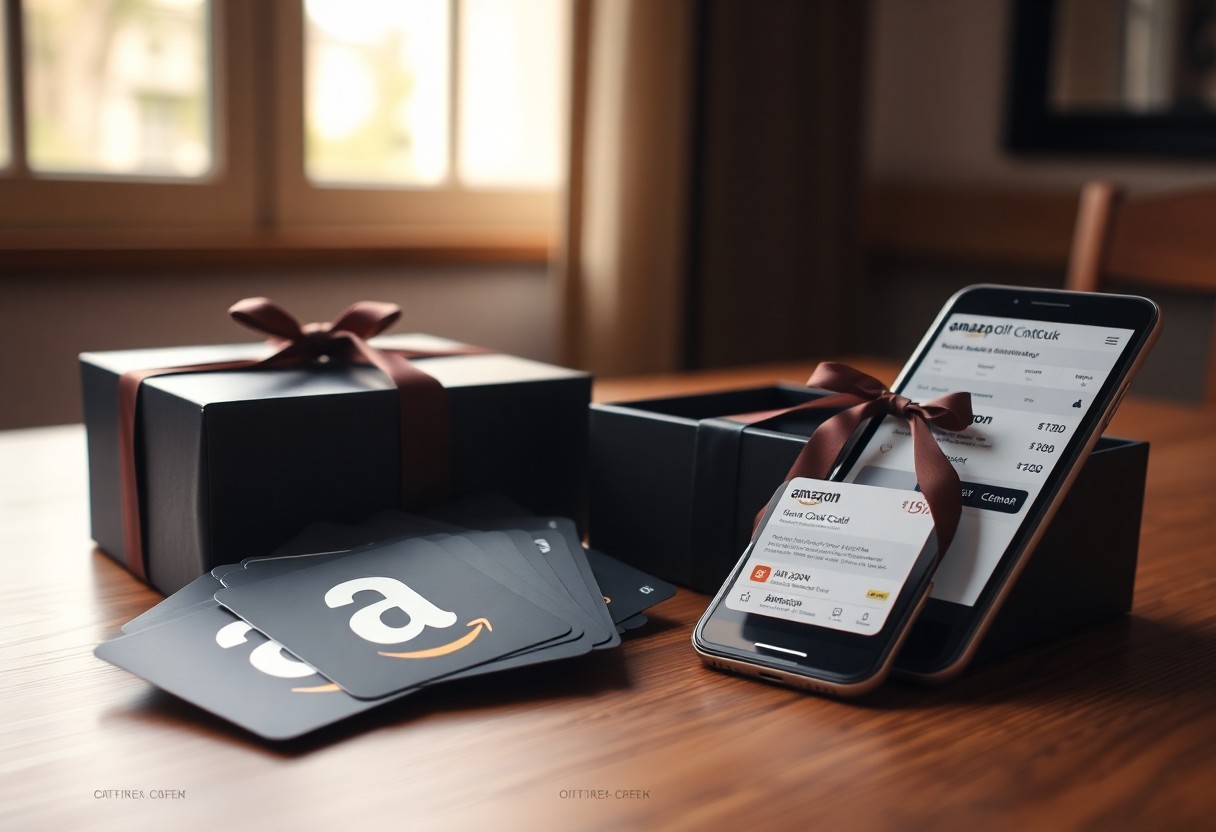
You can choose between physical gift cards with decorative packaging, emailed eGift cards for instant delivery, and print-at-home options that let you personalize presentation while staying practical.
Physical Cards and Decorative Packaging
Physical gift cards arrive in branded or themed packaging that you can hand-deliver or mail, creating a tangible keepsake while offering flexible value redemption on Amazon.
Digital eGift Cards and Print-at-Home Options
Digital eGift cards are emailed instantly or scheduled for later, letting you pick a design and add a personal message that you and the recipient can redeem immediately on Amazon.
If you prefer a physical touch without waiting, choose the print-at-home eGift to download a printable card, add a personal message, and present a ready-made voucher while the unique redemption code stays tied to the recipient’s account.
Purchasing and Delivery Methods
You can buy Amazon gift cards as e-gifts for instant email/QR delivery, physical cards shipped to addresses, or print-at-home options; you may schedule deliveries and add personal messages. Delivery speed depends on format and payment; expect immediate notification for e-gifts and standard shipping times for mailed cards.
Direct Acquisition via Amazon Platforms
Amazon lets you buy e-gifts instantly, schedule delivery dates, and send messages via email or text; you can also order physical gift cards shipped to recipients. Your Amazon account stores redeemed balances and you can track orders and resend confirmations from the orders page.
Authorized Third-Party Retail Locations
Retailers allow you to purchase physical or electronic Amazon gift cards in-store or online; cards are activated at checkout for immediate use. You should verify activation policies and any purchase limits, as accepted payment methods and fees differ by location.
Check whether a retailer issues instant digital codes, prints receipts proving activation, or charges activation fees; ask about reload options, bulk purchase limits, and return or fraud policies so you can resolve issues quickly if a card isn’t working.
Managing Your Gift Card Balance
Manage your Amazon Gift Card balance from Account Settings; you can view totals, add cards, and apply funds at checkout to keep gifting simple.
Step-by-Step Redemption Process
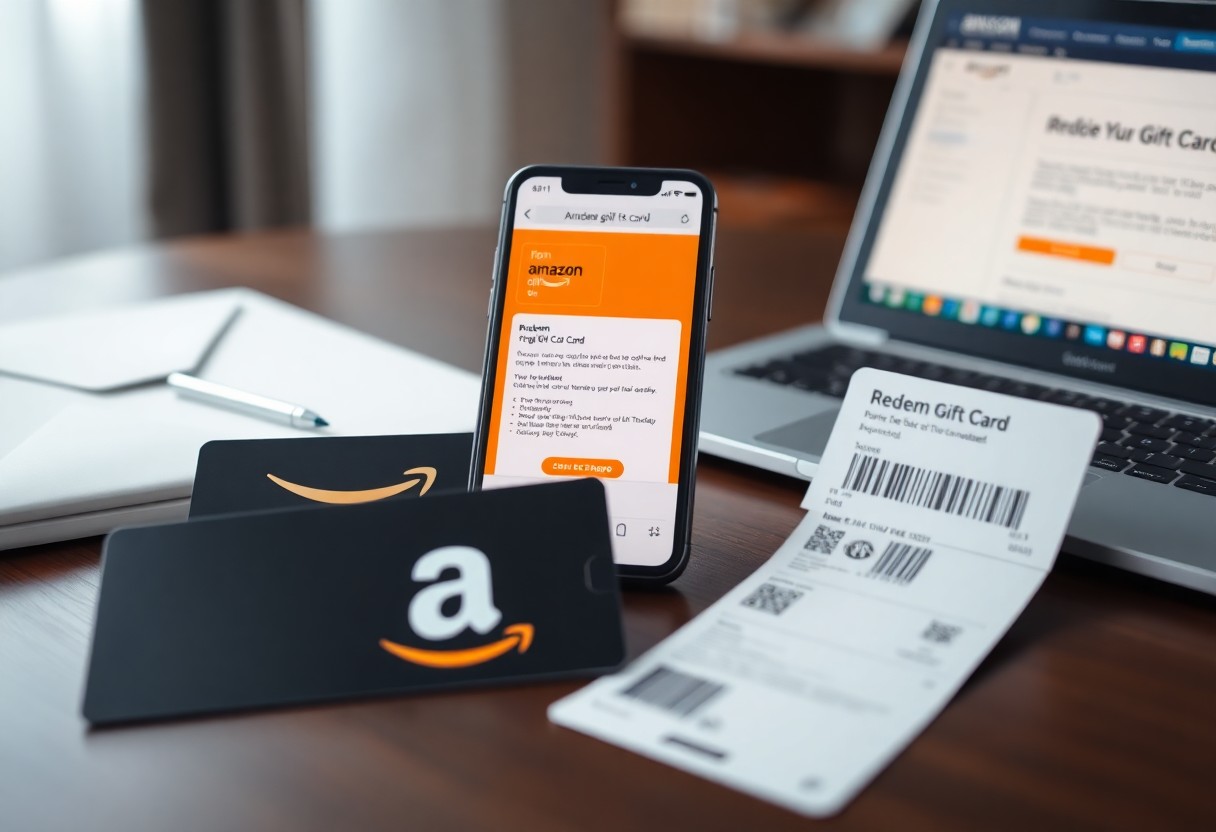
Follow these quick steps to redeem a gift card: you enter the claim code at checkout or on the Redeem a Gift Card page, confirm the entry, and the credited amount appears in your balance immediately.
Redemption Checklist
| Step 1 | |
| Step 2 | Click “Redeem a Gift Card” |
| Step 3 | Enter the claim code |
| Step 4 | Confirm to apply funds to your balance |
Monitoring Funds and Transaction History
Check your balance and transaction history in your account so you can track spending, pending redemptions, and remaining funds at a glance.
Review transaction details so you can verify purchases, gift-card credits, and refunds; filter by date ranges, export a CSV for your records, and contact support directly if you notice any discrepancies.
Strategic Benefits of Using Gift Cards
Budget Management and Controlled Spending
You can set fixed gift-card amounts to control expenses, limit purchases, and prevent impulse buys; this keeps gifting predictable while maintaining personal or business budgets.
Leveraging Reload Bonuses and Promotions
Reloads often include bonus credits or matching offers, so you can increase spending power by topping up during promotions and getting more value for the same outlay.
Check promotion terms, expiration limits, and eligible payment methods so you know when bonuses apply; you can time reloads for seasonal deals and combine offers to boost value without increasing your budget.
Security Protocols and Fraud Prevention
You should enable two-step verification, buy only from official Amazon channels, check activation at redemption, and report suspicious emails or calls to keep gift-card funds safe.
Identifying Common Gift Card Scams
Watch for urgent payment demands, phishing emails, and impostor support calls; you should verify any request through your Amazon account and never pay with gift cards under pressure.
Best Practices for Protecting Claim Codes
Keep claim codes offline, photograph receipts only if stored securely, redeem promptly, and avoid sharing codes or screenshots with anyone.
Store physical cards in a locked place and register digital cards to your Amazon account so you control redemption; you should enable two-step verification, avoid saving code images on cloud services, use the official Amazon app or website for redemption, shred receipts that display codes, and contact Amazon Support immediately if a code appears tampered or the balance mismatches.
Essential Terms and Usage Policies
Policies outline how you redeem gift cards, balance limits, and procedures for lost or stolen cards, so you can use them confidently within Amazon’s stated rules.
Understanding Expiration and Fee Structures
Fees and expiration vary by region and card type; you should check terms because some cards never expire while inactivity fees can apply after extended dormancy.
Restrictions on Transfers and Eligible Purchases
Transfers are often restricted, so you may not move balances between accounts, and certain purchases-such as other gift cards or subscription fees-may be excluded.
You typically cannot transfer balances between accounts or convert gift cards to cash except where local law requires; refunds usually return to the original card, and merchants or countries may block specific purchase categories-contact support with proof if a card is lost or stolen.
Summing up
You can use Amazon gift cards to give flexible, secure, and easy-to-redeem gifts, manage balances, and send personalized e-gifts while enjoying broad product choice and buyer protections.

FAQ
Q: How do Amazon Gift Cards work and what types can I buy?
A: Amazon sells several gift card formats: physical cards, e-gift cards delivered by email, and printable codes. Physical cards are available in retail stores or from Amazon and can be mailed with a gift message. E-gift cards arrive instantly or at a scheduled delivery time and include personalization options like photos and messages. Denominations range from fixed values to custom amounts, and third-party retailers sometimes offer promotional variations. Codes must be redeemed into an Amazon account to add the balance for future purchases.
Q: How do I redeem, check balance, and use a gift card on Amazon?
A: To redeem, enter the claim code on the Redeem a Gift Card page or add the code during checkout. Balances are stored in the recipient’s Amazon account and will be applied automatically at checkout until exhausted. Many Amazon gift cards in the U.S. do not expire and do not carry fees, but terms vary by country so check the regional policy before purchasing. Some items and services, such as certain third-party gift cards or subscriptions, may be excluded from purchase with a gift card, and cross-border purchases can be restricted by currency and country settings.
Q: What security steps and policies should I know when buying or gifting Amazon Gift Cards?
A: Treat gift card codes like cash and keep purchase confirmation emails and receipts. Avoid posting codes publicly or responding to unsolicited messages that ask for codes; scams often request code details in exchange for false promises. If a code is lost, stolen, or appears used, contact Amazon Customer Service with proof of purchase for investigation; replacement or refund is possible in limited situations. For bulk or corporate gifting, Amazon Business offers volume purchasing and account tools to manage orders and invoicing. When buying from third-party sellers, verify seller ratings and retain transaction records to support any disputes.