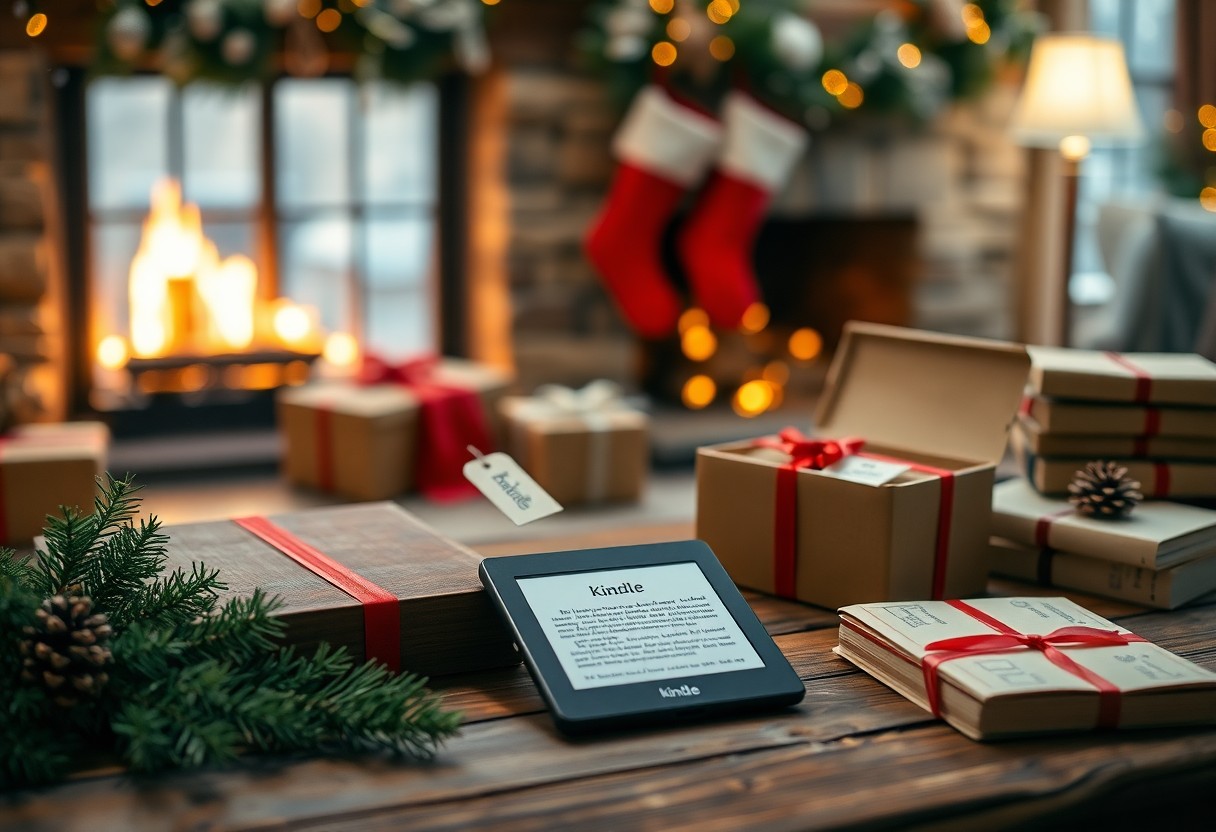

Gift season puts you face-to-face with whether Amazon’s Kindle still earns your top holiday pick; you should weigh screen clarity, battery life, ebook selection, and price against the recipient’s habits. This concise guide gives you practical comparisons, trade-offs, and buying cues so you can decide swiftly and confidently.
Kindle’s enduring strengths
You get a focused reading experience that still outperforms tablets for long sessions: high-contrast e‑ink, lightweight ergonomics and battery life measured in weeks rather than hours, plus seamless access to Amazon’s catalog and ecosystem features that keep your annotations, last page read and audiobooks in sync across devices.
Hardware design, battery life and readability
You’ll notice how matte, glare-free e‑ink and 300‑ppi displays (Paperwhite models) render text like printed paper, while thin, light bodies and IPX8 waterproofing let you read poolside; battery life stretches for weeks on a single charge depending on usage, and adjustable warm lighting and larger sizes (6.8″) make long reads comfortable in any light.
Amazon ecosystem: store, syncing and features
You benefit from the Kindle Store’s millions of titles plus integrations like Whispersync (last page, bookmarks, highlights), Audible playback, Send‑to‑Kindle for personal documents and curated services such as Kindle Unlimited and Prime Reading, all of which keep buying, borrowing and listening tightly connected to your device and apps.
You can jump between devices without losing progress: Whispersync syncs position, notes and last page across Kindle apps and devices; X‑Ray gives instant context for characters and references; Goodreads integration and Family Library share recommendations and purchases; and Send‑to‑Kindle/Personal Docs convert articles and PDFs so your entire reading life lives inside the Kindle ecosystem.
Holiday giftability
Broad appeal and ease of setup for recipients
You can hand a Kindle to almost any reader-commuters, students, parents, seniors-and expect quick adoption. Battery life measured in weeks and 8 GB of storage (enough for thousands of e‑books) reduce setup questions. Setup usually takes under 10 minutes: power on, join Wi‑Fi and register (or leave registration to the recipient); guided prompts walk you through font size, page orientation and Amazon Store access. Those accessibility features make it a forgiving gift for less tech‑savvy recipients.
Unboxing, bundles and gifting options
Unboxing matters: you can add Amazon gift wrap and a personalized message at checkout, have delivery scheduled for a specific date, or use the “Buy for others”/”Give as a gift” option so the recipient receives a digital notice. Popular add‑ons include official fabric or leather covers ($20-$40) and USB‑C chargers ($10-$20), and you can preload a best‑seller or gift a Kindle book separately for immediate reading.
If you want a turnkey present, order a bundle: many third‑party sellers package a Kindle with an official cover and a 1‑year warranty for roughly $50-$100 extra; schools and businesses can buy in bulk (10+ units) through Amazon Business with invoicing and gift‑wrapping options. For immediate joy, gift individual e‑books or an Amazon Gift Card so the recipient can pick titles, and you can schedule delivery to land on the holiday you choose.
Current Kindle lineup compared
| Model | What you get |
|---|---|
| Basic | Small 6″ screen with lower 167‑ppi contrast, the lightest price point and minimal extras-best if you want a pocketable reader and bargain pricing. |
| Paperwhite | 6.8″ 300‑ppi display, stronger front light and water resistance; balances price and premium screen for heavy readers who want sharper text and longer sessions. |
| Signature / Touch variants | Higher‑end Paperwhite features like auto‑adjust light, wireless charging and expanded storage (up to 32 GB); aimed at power users who keep large libraries and audiobooks. |
Paperwhite vs Basic vs Signature/Touch variants
You’ll notice the Paperwhite’s 6.8″ 300‑ppi display delivers far crisper type and more even front‑lighting than the Basic’s 6″ 167‑ppi panel, while the Signature Edition tacks on 32 GB storage, wireless charging and auto‑adjusting light for smoother daily use-so choose Basic for value, Paperwhite for the best all‑round reading screen, and Signature if you store lots of audiobooks or PDFs.
Storage, screen and connectivity trade-offs
You’ll trade weight and price for screen quality and capacity: 6″ 167‑ppi Basics keep costs down but limit sharpness and local storage, whereas 6.8″ 300‑ppi Paperwhites and Signature models lift text fidelity and typically offer 8-32 GB; wireless charging and auto‑brightness belong to the top tier, so think about whether you need onboard storage for audiobooks or large PDFs.
In practice, if you rely on thousands of titles or store Audible files you’ll want 32 GB; casual readers do fine with 8-16 GB. Also consider connectivity-most models use Wi‑Fi for downloads, while higher tiers historically offered cellular options or faster syncs-so matching your storage and connectivity needs prevents frustrating limits mid‑holiday reading.
Competing options and substitutes
You’ll weigh tablets, audiobooks and rival e-readers when choosing a holiday gift: tablets give color, apps and multitasking; audiobooks via Audible or Libby free you from screens; and dedicated rivals like Kobo and Nook offer native EPUB and library integration. Consider that tablets can double as readers and entertainment devices, while dedicated e-ink models still win on battery life, glare-free reading and long-term eye comfort.
Tablets, audiobooks and other e-readers
You can pick an iPad or Fire tablet if you want apps, color images and magazines-tablets run the Kindle app but typically offer 1-2 day battery life versus weeks on e-ink. Audiobooks through Audible or Libby let you consume while commuting; Kobo and Nook devices natively support EPUB and often include OverDrive/Libby for library loans, which simplifies borrowing compared with Amazon’s workflows.
Pros and cons versus non-Amazon ecosystems
You’ll find Amazon stronger on convenience and cross-device syncing, while non-Amazon ecosystems give you format freedom and easier library lending; weigh Whispersync continuity against EPUB compatibility and one-tap OverDrive integration on Kobo for clear trade-offs before gifting.
Pros and cons versus non-Amazon ecosystems
| Pros (Amazon) | Cons (Amazon) |
|---|---|
| Massive Kindle catalog with millions of titles and strong self-pub presence | Uses AZW/Kindle formats and DRM, so EPUB purchases and some sideloading are awkward |
| Whispersync syncs page, notes and audiobooks across Kindle devices and apps | Ecosystem lock-in: purchases are tied to your Amazon account and device family |
| Integrated audiobook experience with Audible and frequent Kindle-specific deals | Audiobook ownership often depends on Audible’s ecosystem and subscription model |
| Wide device lineup from basic to premium Paperwhite/Oasis-style models | Limited native support for library EPUB loans compared with Kobo/Nook |
| Kindle apps available on iOS, Android, PC and Mac for cross-platform reading | Some advanced formats (EPUB, ePub3) require conversion or workarounds |
| Deep integration with Amazon services (store, recommendations, Prime Reading) | Recommendations and pricing are optimized for Amazon’s marketplace, not third parties |
| Extensive self-publishing and indie author presence via KDP | Inconsistent regional availability of certain titles and library features |
| Strong customer support and a mature ecosystem with frequent firmware updates | Privacy concerns: Amazon ties reading data to your account for personalization |
To apply this practically, you should ask whether your recipient values seamless sync and the largest store (Amazon) or wants open formats and easy library borrowing (Kobo/Nook); for example, a commuter who listens and reads across devices benefits from Kindle+Audible, while a heavy library borrower gains more convenience with a Kobo that integrates OverDrive natively.
Price, deals and timing
Pricing is predictable: entry Kindles commonly range $70-$110, Paperwhites sit around $130-$160, and Signature or higher-capacity editions approach $180-$200. Prime Day (July) and Black Friday/Cyber Monday typically produce 15-50% markdowns-frequently $20-$80 off-and mid‑season sales or retailer bundles can add a case or gift card. Use price-tracking tools and alerts so you can pounce when a historically typical discount appears.
When to buy: sales cycles and bundles
Prime Day in July and the late-November Black Friday/Cyber Monday window are your best bets for deep cuts, while Amazon’s early-fall events and back-to-school promos occasionally surface strong Paperwhite deals. Historically, Paperwhites drop 20-35% and basics fall $15-$40. Watch Best Buy and Target for bundles-cases, screen protectors or small gift cards often boost total value by $20-$40 compared with a standalone purchase.
Warranties, returns and refurbished options
Amazon supplies a one-year limited warranty and a standard 30-day return window, with many holiday purchases eligible for extended returns into January. Amazon Renewed refurbished Kindles usually include at least a 90-day guarantee, and you can buy 1-2 year protection plans for accidental damage; those plans commonly cost $10-$40 depending on length and model. Check warranty terms before committing.
Warranty coverage focuses on manufacturing defects-battery failures, dead screens-not drops or liquid damage, which require a protection plan (SquareTrade or Amazon Device Protection). If you opt for a refurbished unit, confirm the refurbisher’s testing, battery replacements and return policy; trade-in credit can offset upgrades. Keep receipts and serial numbers handy and file claims online for faster turnaround-repairs or replacements typically ship within 5-10 business days.
Who should (and shouldn’t) receive a Kindle
Ideal recipients and reading habits
If you commute daily, travel often, or finish dozens of books a year, a Kindle is ideal: Paperwhite’s 300‑ppi e‑ink and weeks‑long battery let you read in sunlight or at night without glare, and IPX8 water resistance protects poolside or beach reads. You’ll also benefit if you use Kindle Unlimited (over a million titles) or belong to a book club-lightweight design and instant purchases make keeping up with 20-50 books annually effortless.
Cases where alternatives are better
If you rely on color content, heavy PDF workflows, or open EPUB files, a tablet or a Kobo may serve you better. You’ll want an iPad or Fire HD for graphic novels, color magazines, and apps; Kobo natively handles EPUB and library loans without conversion; reMarkable or an iPad with Apple Pencil suits dense annotations and long PDF documents over 100 pages.
For example, photographers and comic readers will prefer a 7-10″ color tablet for accurate images; many public libraries deliver EPUB/CBZ files that Kobo reads directly, avoiding the AZW/MOBI conversion step that adds friction to the Kindle experience.
Conclusion
Drawing together the Kindle’s lightweight design, vast content library, and focused reading experience, you can confidently choose it as a practical and thoughtful holiday gift; its affordability, battery life, and distraction-free interface make it ideal for avid and occasional readers alike, ensuring your recipient will appreciate a device that prioritizes reading above all else.