
Over 1,000 time-limited offers appear daily; you can score top bargains by using alerts, tracking price history, and acting fast when discounts peak. Set wish lists, enable notifications, and compare seller ratings to claim the best deals before they expire.
Navigating the Amazon Deals Dashboard
Open the Deals dashboard to view Today’s Deals, Lightning Deals, and limited-time promotions; scan banners for timed events and use tabs to jump between deal types so you can spot expiring offers fast.
Utilizing the “Today’s Deals” interface
Tap the Today’s Deals interface to filter by deal type, sort by end time, and add items to your watchlist so urgent bargains surface before they expire.
Filtering results by discount percentage and category
Select discount thresholds and categories to narrow results quickly; set a minimum percentage and pin preferred categories so high-savings items appear immediately.
Combine price filters with ratings and Prime eligibility to avoid low-quality bargains; save filter presets and enable deal alerts for categories you monitor so you never miss steep markdowns.
Essential Tools for Price Tracking
Tools like CamelCamelCamel and Keepa provide real-time alerts and price history so you can snag deals before they disappear.
Setting up price alerts with CamelCamelCamel
CamelCamelCamel lets you set target prices, receive email or RSS alerts, and monitor multiple items so you act immediately when a lightning deal hits.
Analyzing historical data via Keepa browser extensions
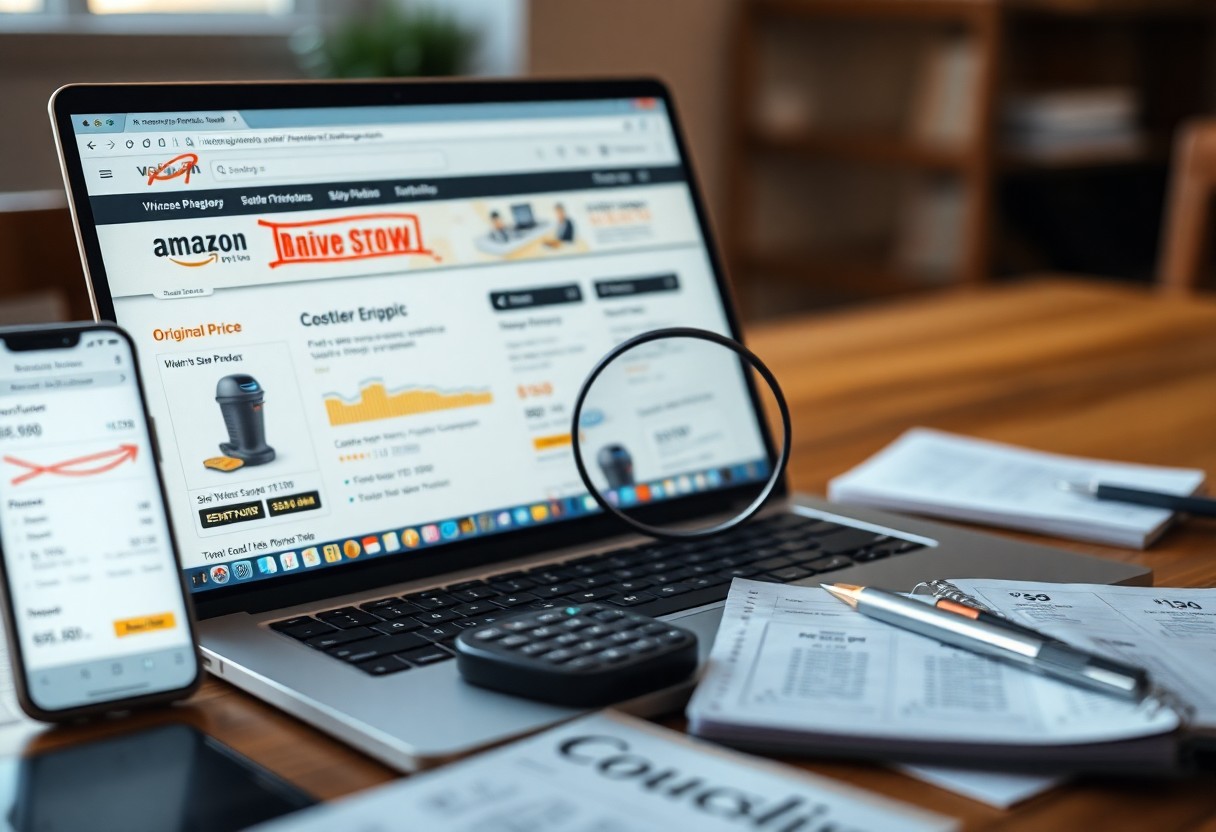
Keepa’s browser extension overlays price history and Amazon stock indicators on product pages, helping you judge whether today’s discount is genuinely a bargain.
Use Keepa to compare historical low points, view price volatility, and spot recurring sale patterns; you can set local-currency views and export CSVs for deeper analysis.

Pro Tips for Securing Lightning Deals
Act fast: monitor Prime pages, set alerts, keep payment info ready.
- Enable notifications
- Use 1-Click checkout
- Save payment and address
Thou should buy immediately once the timer drops.
Using the “Watch this Deal” notification feature
Enable the Watch this Deal toggle and allow app alerts; you’ll get a ping when the deal goes live so you can checkout fast.
Managing the “Join Waitlist” strategy for sold-out items
Join waitlists promptly, enable notifications for your spot, and plan to accept offers quickly when Amazon grants them to avoid losing the price.
When you join a waitlist, Amazon usually grants a short acceptance window; keep the app open, monitor email and push alerts, and have payment plus address autofill ready. Use multiple devices if possible and set a manual reminder so you can claim the offer before it expires.
Critical Factors for Deal Eligibility
Check the basics: your account status and seller trust affect which deals you can claim.
- Your account verification
- Seller rating and location
- Available coupons and promo codes
- Stock and timing of offers
Thou must act fast when eligible.
Using the benefits of Amazon Prime membership
Prime members get early access, exclusive Lightning Deals, and faster shipping so you can secure limited offers before others.
Understanding regional availability and shipping constraints
Regional restrictions often limit which deals you see and whether items ship to your address, so set location filters to see accurate availability.
Shipping windows, taxes, and import rules change which Lightning Deals apply to you; compare seller locations, update your address precisely, and confirm delivery estimates before purchasing.
How-To Optimize Your Mobile Experience
Use your phone settings and the Amazon app to prioritize deal alerts, enable location-based offers, and keep the app updated for fastest load times. You should clear cache periodically and switch to low-latency Wi‑Fi or mobile data when a Lightning Sale starts.
Configuring Amazon App push notifications
Turn on targeted push notifications in the Amazon app, allow deals and Lightning Sale alerts, and prioritize only categories you care about to avoid alert fatigue. You can mute nonimperative promotions and set Do Not Disturb exceptions so alerts break through during big sales.
Utilizing the “Upcoming” deals tab for early access
Tap the “Upcoming” tab to preview scheduled Lightning Deals, add items to your Watchlist, and set reminders so you’re first in line when the sale opens.
Explore the Upcoming feed to spot exact start times, estimated discounts, and any Prime Early Access labels; add high-priority items to your Watchlist or cart and enable reminders so you don’t miss the window. You should check timestamps against your time zone, confirm payment and shipping defaults, and use 1‑Click checkout to complete purchases the moment a deal goes live for the best chance at securing limited-stock items.
Speed Strategies for Final Checkout
Speed matters at checkout; keep your payment and shipping defaults ready, stay signed in, and prefill carts so you can finish orders within seconds when a lightning deal appears.
Configuring 1-Click ordering for instant purchase
Set up 1-Click with your preferred address and card so you can bypass the cart; test it with a low-cost item and enable mobile biometrics to authorize purchases instantly.
Monitoring the deal progress bar and expiration timer
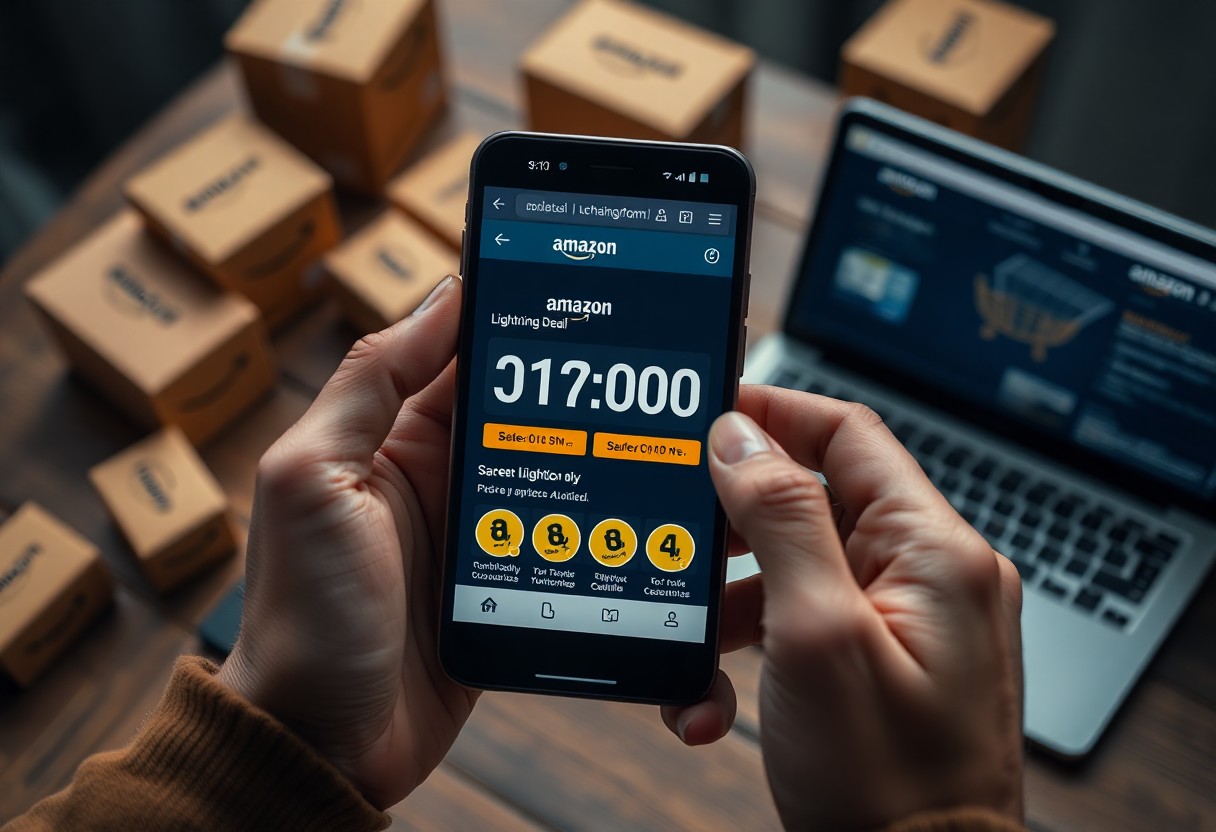
Watch the progress bar and countdown closely; when stock drops or the timer hits single digits, you should move to checkout immediately to avoid losing the deal.
Track percentage sold, remaining quantity, and update cadence; set short refresh intervals, enable Amazon push alerts and browser extensions, and have alternate sellers or saved coupons ready so you can switch payment or shipping options the moment stock plunges or the timer nears zero.
To wrap up
Taking this into account, you should set alerts, follow trusted deal trackers, enable notifications, compare prices quickly, and use Prime benefits and coupons to grab Amazon deals and lightning sales before they expire.