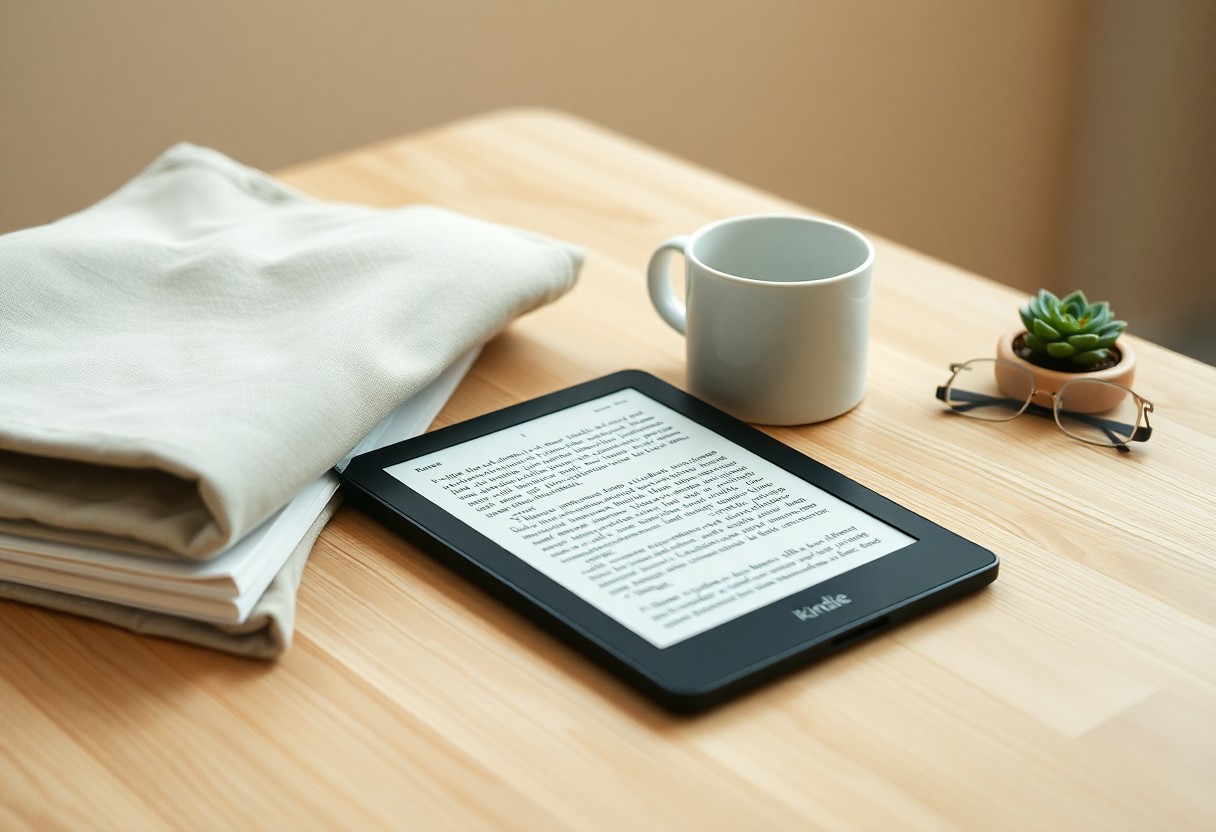

Reading on a Kindle condenses your library into a single, lightweight device while preserving the tactile focus of book reading; you benefit from long battery life, adjustable typography, distraction-free modes, and instant access to titles and library loans. For modern minimalist readers you gain space, portability, and the ability to carry a thousand books without clutter, making the Kindle a practical, efficient companion for focused reading.
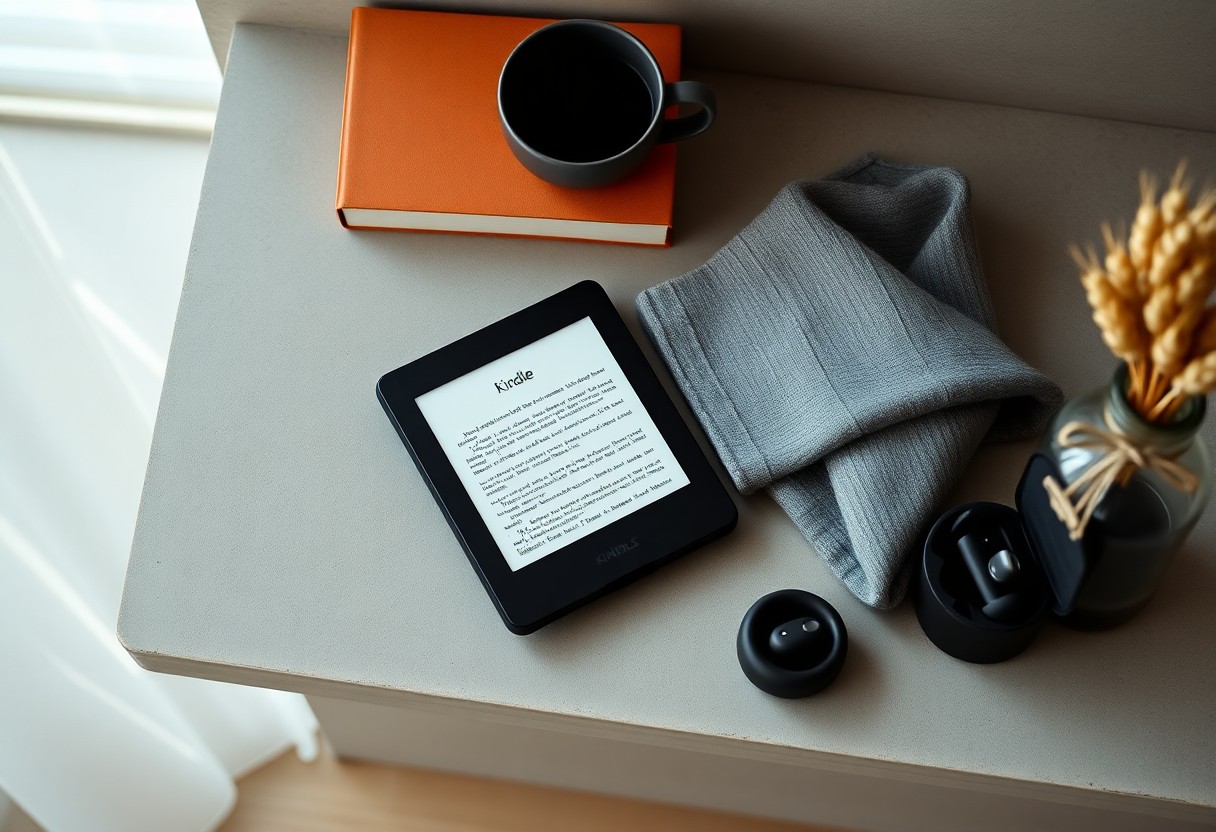
The Minimalist Reader: Values and Needs
Defining modern minimalist reading habits
You pare your library to necessarys, often cycling through 10-30 books per year and keeping fewer than a dozen physical volumes at any time. Digital curation matters: you prioritize single-purpose reading sessions of 30-90 minutes, favor long-form non-fiction and curated fiction lists, and swap titles quickly via library apps or purchases. Practical choices-format compatibility, note export, and lightweight devices-shape how you sustain habits without clutter.
Core priorities: portability, focus, ownership
You expect an e-reader to replace a stack of 10-20 paperbacks while weighing 150-205 g and offering weeks of battery life on one charge. Portability ties to storage-8-32 GB holds hundreds to thousands of titles-while focus depends on e-ink displays and minimal notifications. Ownership means clear access to your purchases, exportable notes, and library lending through services like OverDrive or Libby.
Delving deeper, you compare trade-offs: subscription models (Kindle Unlimited) reduce cost per title but limit permanent ownership, whereas buying DRM-free files or using sideloading preserves long-term access. For focus, you check for adjustable warm light, physical page-turn buttons, and airplane-mode distraction blocking. Portability decisions also consider formats-EPUB support, PDF rendering, and cloud sync-so your device fits both travel and archival needs.
Kindle Features That Support Minimalism
You can replace shelves, audiobook players and note stacks with one slim device: current Kindles offer 8 GB or 32 GB storage, cloud backup for your purchases, weeks‑long battery life and e‑ink displays that behave like paper. Whispersync keeps your last page, highlights and bookmarks synchronized across Kindle apps and devices, Audible pairing handles audio within the same ecosystem, and library lending plus family sharing shrink the number of services you need to manage.
Portability, storage, and cross‑device syncing
You slip a Kindle into a small bag and carry thousands of titles without bulk; 8 GB handles thousands of text‑only books while 32 GB is handy if you store audiobooks or graphic‑heavy files. Cloud storage means you download only what you’re reading, and Whispersync ensures your last page, notes and highlights follow you between Kindle, phone, tablet and desktop so you don’t need to juggle devices.
Distraction‑reducing interface and adjustable reading experience
You get a near‑distraction reading surface: e‑ink reduces glare and the Kindle UI omits push notifications and social feeds, keeping interruptions minimal. At the same time you can tweak font face, size, line spacing, margins and screen warmth to suit eye comfort and reading speed; built‑in features like X‑Ray, Word Wise and Time‑to‑Read let you access context or gauge progress without switching apps.
You can fine‑tune how much information appears on each page: increasing font size and spacing for slower, focused reading or tightening settings to consume more words per screen for faster skimming. Word Wise supplies inline definitions when you need them, X‑Ray collects character and topic references so you avoid flipping back pages, and highlights/notes sync to the cloud so your annotations stay consolidated – all of which eliminates the extra apps and paper notes that break minimalist intent.
Practical Trade‑offs and Shortcomings
Your Kindle trims clutter and extends battery life, but you trade tangible cues and format freedom for convenience: storage ranges from about 8 to 32 GB depending on the model, e‑ink gives weeks of battery versus hours on tablets, and small screens struggle with fixed‑layout PDFs and heavily illustrated books, so you often need a tablet or physical copy for cookbooks, textbooks, or art books to preserve layout, color, and ease of navigation.
DRM, platform lock‑in, and access permanence
Kindle files typically use Amazon formats (AZW, KFX, legacy MOBI) and many purchases carry DRM that ties them to your Amazon account; you can sideload non‑DRM EPUB/MOBI via USB or convert with Calibre, but DRM‑protected files won’t open outside authorized devices and removing DRM requires third‑party tools and may violate terms. Past incidents-like the 2009 remote deletion of Orwell titles-show you can’t assume perpetual, transferable ownership.
Sensory experience and device limitations
E‑ink reproduces high‑contrast text well but lacks color and tactile feedback, so you’ll notice diminished cover art, no paper texture or page‑crease satisfaction, and grayscale struggles with comics or cookbooks; graphic novels and richly illustrated works typically perform better on tablets with color displays and faster refresh.
Many modern Kindles use 300‑ppi e‑ink (Paperwhite/Oasis) which gives crisp typography, but refresh times-often tens to a few hundred milliseconds-produce slight lag and occasional ghosting during rapid navigation. Your eyes benefit from limited blue light compared with backlit tablets, and adjustable warm front lights let you shift color temperature, yet you’ll repeatedly reflow PDFs, zoom, and pan on small screens, breaking reading flow; for dense academic PDFs or large‑format art books you’ll likely prefer a 10″+ tablet or physical edition to preserve layout, color fidelity, and the multisensory aspects of reading.
Alternatives and Complementary Solutions
Other e‑readers, audiobooks, and curated physical collections
You can opt for Kobo Clara HD or Kobo Libra 2 for native EPUB and OverDrive library loans, or choose an Onyx Boox for large-screen reading and stylus note-taking; Audible and Libro.fm provide large audiobook catalogs, while LibriVox supplies free public-domain titles. Many minimalists pair a 10-12 rotated physical shelf with a Book of the Month subscription to limit purchases and keep tactile reading intentional.
Apps and practices to reduce digital clutter
Use Readwise to consolidate Kindle highlights into one searchable archive and export to Notion or Evernote, and employ Pocket or Instapaper to triage long-form articles for later. Manage files with Calibre so your device holds only active reads, and set a 20-30 title cap for your active library, archiving the rest to cloud or external storage to maintain a lean digital shelf.
Run a weekly 15-minute triage: tag items as “active,” “reference,” or “archive,” then use Calibre to relocate archived files and Readwise automations to create one Notion page per book. Automate new Pocket saves into a reading queue with Zapier, mute notifications for reading apps, and limit concurrent projects to 3-5 to ensure steady progress without accumulating backlog.
Cost, Sustainability, and Lifecycle Considerations
Your choice between paper and e‑ink hinges on upfront cost versus ongoing value, device longevity, and the environmental tradeoffs of manufacture and disposal; e‑readers cut long‑term consumption and shelf clutter but carry embodied emissions from electronics production and contribute to the 53.6 million metric tons of global e‑waste reported in 2019, so you should weigh how many books you’ll read, access to library lending, and reuse or recycling options when assessing true sustainability.
Purchase models, subscriptions, and long‑term value
Entry Kindles run roughly from about $90 for base models to $180+ for Paperwhite/Signature features, while Kindle Unlimited costs $9.99/month for access to ~1M titles and Prime Reading adds a rotating library via Prime; if you pay $140 for a Paperwhite and average paperbacks cost ~$12, you hit monetary break‑even at ~12 purchases, and borrowing from Libby/OverDrive or buying used drastically improves long‑term value for heavier readers (median U.S. reader: ~12 books/year).
Repairability, e‑waste, and environmental impact
Most Kindles have sealed batteries and glued assemblies, so you’ll often rely on Amazon trade‑ins or third‑party repairs; battery or screen replacements typically range $30-$120 depending on model and service, and typical useful life for active readers falls between 3-6 years, meaning disposal and recycling practices directly affect the device’s net environmental footprint.
Lifecycle analyses vary, with published studies estimating you need anywhere from ~20 to over 100 books to offset manufacturing emissions depending on print methods and assumed device lifetime; you can lower impact by buying used, trading in, using library loans, protecting the device to extend service life, and recycling through Amazon’s program or local e‑waste collection when it finally reaches end‑of‑life.
Recommendations for Minimalist Readers
Adopt a lean Kindle setup: choose an ad-free model with at least 8-32 GB if you keep PDFs or comics, use the Paperwhite if you want IPX8 water resistance, and rely on Amazon Cloud to archive most purchases so only 20-50 current reads stay on-device. Pair the e-reader with Calibre for batch metadata cleanup and periodic exports, set a simple tagging scheme (genre, priority, read/unread), and prioritize distraction-free features – airplane mode, text-only font and single-column layout – to preserve minimalist habits.
Decision checklist: when a Kindle is indispensable
If you travel more than a week per month, commute over 30 minutes daily, or read 20+ books a year across multiple genres, a Kindle pays off: battery life measured in weeks, compact storage for thousands of titles, and distraction-free E Ink reading. Choose it also if you borrow library eBooks via Libby/OverDrive (Kindle format supported) or need lightweight nighttime reading without blue-light strain. Skip it if you primarily annotate large-format PDFs or require multi-window study tools.
Practical setup: organization, backups, and mindful use
Organize by keeping only 20-50 active titles on your device and archiving the rest to Amazon Cloud; create Collections for current projects and use consistent metadata so searches return clean results. Back up personal docs weekly: export via “Manage Your Content and Devices” or sync Calibre to a cloud folder (Dropbox/Google Drive). For mindful use, enable airplane mode during sessions, set daily reading goals, and limit highlights to crucial notes to avoid digital clutter.
Concrete workflow example: import new EPUBs into Calibre, normalize titles/authors, convert to AZW3 if needed, then send via “Send-to-Kindle” email or USB transfer; keep a rolling archive of past reading (move older purchases to cloud-only) and maintain a weekly Calibre export to an external drive plus a mirrored cloud copy. Use Collections for active projects (e.g., “Current: 1-5”), sync device only after you finish a session, and periodically prune by deleting formats you no longer use to keep the device lean.
To wrap up
Considering all points, the Kindle still serves as a powerful, space-saving tool for minimalist readers: it consolidates large libraries, reduces physical clutter, and offers adjustable typography and long battery life so you can focus on reading. If you value portability, curated access to affordable books, and simple, distraction-free reading, the Kindle remains a highly practical companion for your minimalist lifestyle.