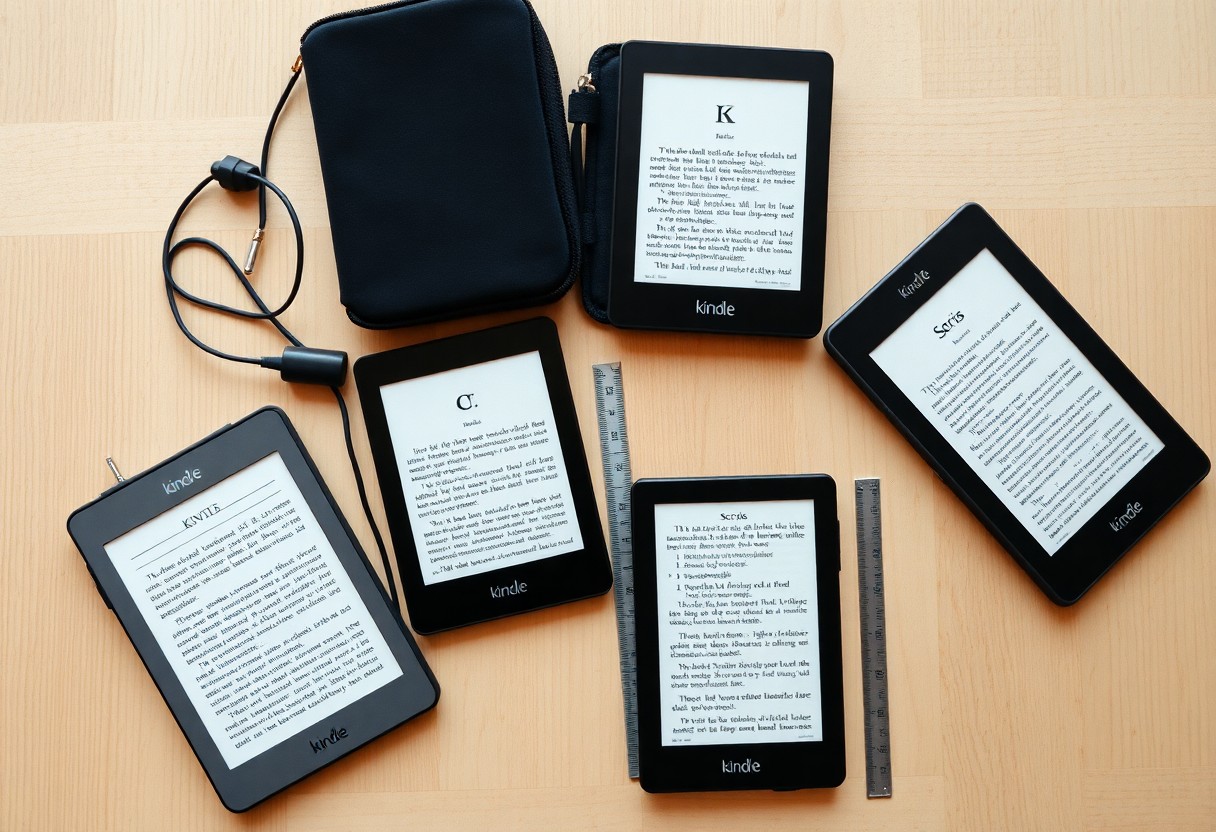

Buying the right Kindle depends on how you read, your budget, and desired features; this guide helps you weigh screen size, storage, battery life, and extras so you pick the best model for your needs.
Critical Factors for Evaluating the Kindle Lineup
Consider screen size, battery life, storage and weight so you match a Kindle to your reading habits and budget.
- Screen size and resolution affect readability.
- Battery life and storage suit travel and libraries.
- Thou prioritize comfort and build when testing in hand.
Comparing Screen Resolution and E-Ink Technology
Screen contrast and ppi determine text sharpness and eye comfort; you should choose higher resolution for PDFs or small fonts.
| Resolution (ppi) | Best For |
| 300 | Small text, PDFs, crisp fonts |
| 167 | Novels, longer battery life |
Assessing Ergonomics and Build Quality
Handle weight, button placement and balance carefully, since you will hold the device for long sessions and want reachable controls.
Grip materials, edge shape and weight distribution affect fatigue; you should test models for one-handed use, case compatibility and how heat or texture feels during multi-hour reads to ensure comfort matches your typical sessions.
How to Determine Your Storage and Connectivity Requirements
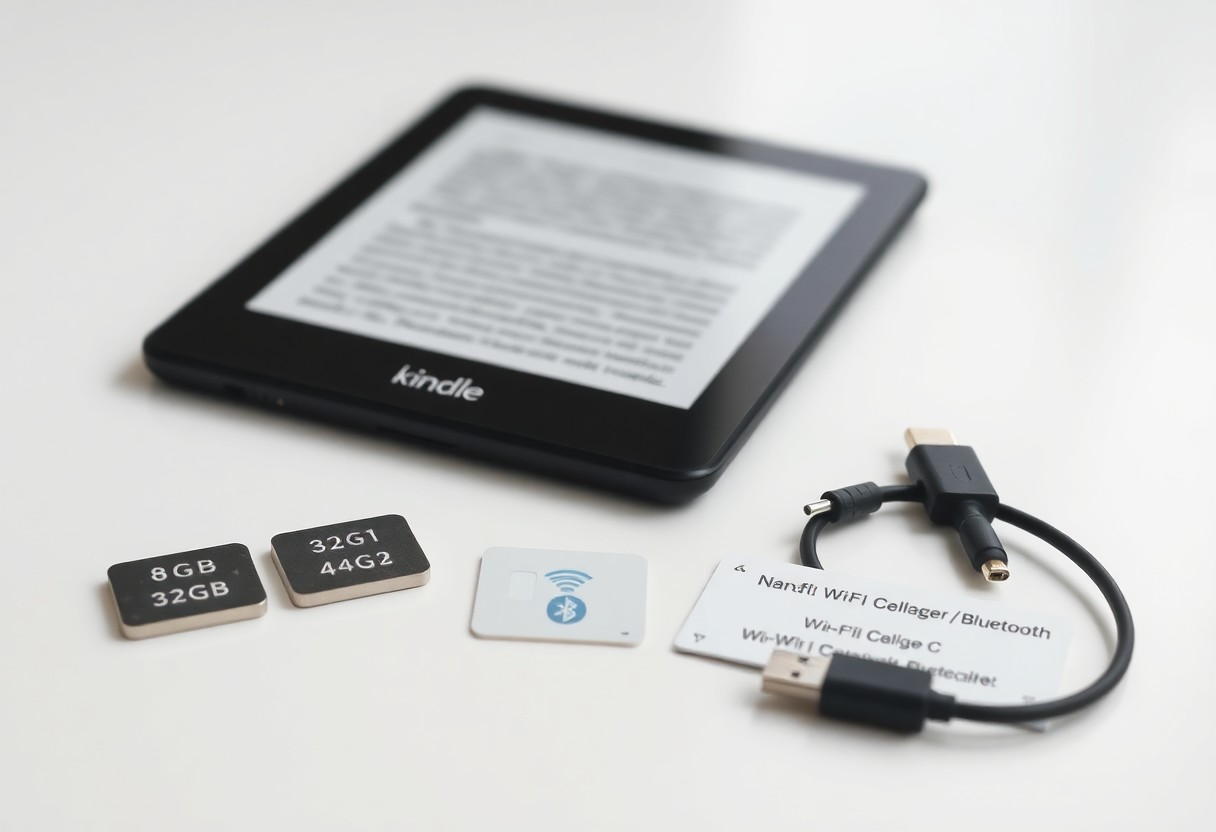
Assess how many books and audiobooks you own, how often you add titles, and whether you stream or store files locally to pick the right storage and connectivity mix.
Calculating Space for Large Libraries and Audiobooks
Estimate total file sizes-ebooks average 1-5MB, audiobooks 150-500MB-and add buffer for growth so you choose 8GB, 32GB, or larger accordingly.
Choosing Between Wi-Fi and Cellular Connectivity
Decide if you need downloads anywhere-Wi‑Fi suffices for home use, while cellular offers on‑the‑go purchases and downloads for a higher price.
Consider that cellular models add monthly or pay‑per‑use costs and can increase resale value; they also work without hotspots when traveling. If you mostly read at home or travel with reliable Wi‑Fi, save money by choosing Wi‑Fi only and download content before you leave.
Essential Tips for Choosing the Best Value
Pick the Kindle features that match your reading habits: battery life, storage, screen type and waterproofing while balancing price and long-term value. Knowing when to prioritize display or storage will help you choose the best model without overspending.
- Prioritize screen quality and battery life
- Consider storage size, ads, and warranty
Understanding the Differences in Ad-Supported Models
Compare ad-supported and ad-free Kindles so you can decide if lockscreen offers are a fair trade for lower upfront cost, factoring how ads affect resale value and your daily reading experience.
Identifying the Best Times to Purchase for Discounts
Watch major sales like Prime Day, Black Friday and back-to-school windows to score the deepest Kindle discounts and bundled accessories that match your needs.
Timing purchases around seasonal promos, retailer flash sales and model refreshes helps you spot true markdowns; you should use price trackers, set alerts and check historical lows before committing.
How to Select Features Based on Your Reading Environment
Evaluating Waterproofing for Outdoor and Bath Reading
If you read by pools, beaches, or in the bath, pick a waterproof Kindle (IPX8) so accidental splashes won’t damage it; it lets you relax outdoors or soak without worry and keeps your library safe.
Utilizing Adjustable Warm Light for Eye Comfort
You should choose a model with adjustable warm light to shift color temperature for evening reading, reducing blue light exposure and easing eye strain during long sessions.
Adjustable warm light lets you fine-tune color temperature and brightness so you read comfortably from daylight to late night; lowering blue-spectrum output helps your body produce melatonin, supporting better sleep if you read before bed, and saving presets speeds switching between bright and cozy settings.
Specialized Factors for Students and Professionals
When choosing a Kindle for study or work, you should weigh battery life, weight, note tools, and file compatibility against course or project demands. This lets you pair model strengths with daily workflows.
- Battery life: long reading sessions
- Portability: easy to carry between locations
- Note options: typed, handwriting, or stylus
- Storage: textbooks, PDFs, and papers
Analyzing Note-Taking and Stylus Functionality
Assess stylus responsiveness, palm rejection, and whether your notes sync or export to common formats so you can reuse highlights and annotations in assignments.
Leveraging Software Features for Research and Study
Explore built-in search, highlight organization, clipping exports, and cloud sync so you can compile references and revisit key passages quickly during writing or revision.
Ensure you test how the Kindle organizes highlights and exports them – plain text, CSV, or via the cloud – and whether annotations attach to specific pages in PDFs. Verify web-to-device sending, dictionary and reference lookups, and any third-party export workflows you rely on so citations and excerpts integrate cleanly into your research tools.
Final Steps to Confirming Your Decision
You can finalize by double-checking model features, price, and recent reviews to ensure the chosen Kindle fits your reading habits and budget.
Reviewing Accessory Compatibility and Protection Plans
Check that cases, screen protectors, and chargers match the exact model and that protection plans cover accidental damage and battery issues.
Accessory Checklist
| Accessory | Compatibility / Tip |
| Case | Model-specific fit, button/port access |
| Screen Protector | Size and coating match screen type |
| Charger/Cable | Correct connector and wattage |
| Protection Plan | Check accidental coverage and claim process |
Comparing Warranty Options and Long-Term Support
Compare warranty lengths, coverage exclusions, and service turnaround to gauge which plan minimizes your long-term risk.
Warranty Summary
| Option | What it Covers |
| Standard Warranty | Manufacturer defects, typically 1 year |
| Extended Plan | Longer coverage, often adds accidental damage |
| Manufacturer Support | Authorized repairs and official parts |
Examine terms for battery replacement, authorized repairs, and whether extended plans include accidental damage; weigh plan cost against expected device lifespan and resale value.
Warranty Comparison
| Factor | Questions to Ask |
| Duration | How many years of coverage? |
| Coverage | Does it include drops, spills, battery? |
| Service | Local repair vs. mail-in turnaround time |
| Cost vs Value | Plan price compared to replacement cost |
Summing up
Summing up, this guide helps you pick the right Kindle by matching your reading habits, budget, and desired features-screen type, storage, battery life, and waterproofing. Use the comparisons and recommendations to choose the model that fits your priorities and reading style, ensuring you get the best value and a satisfying reading experience.


